
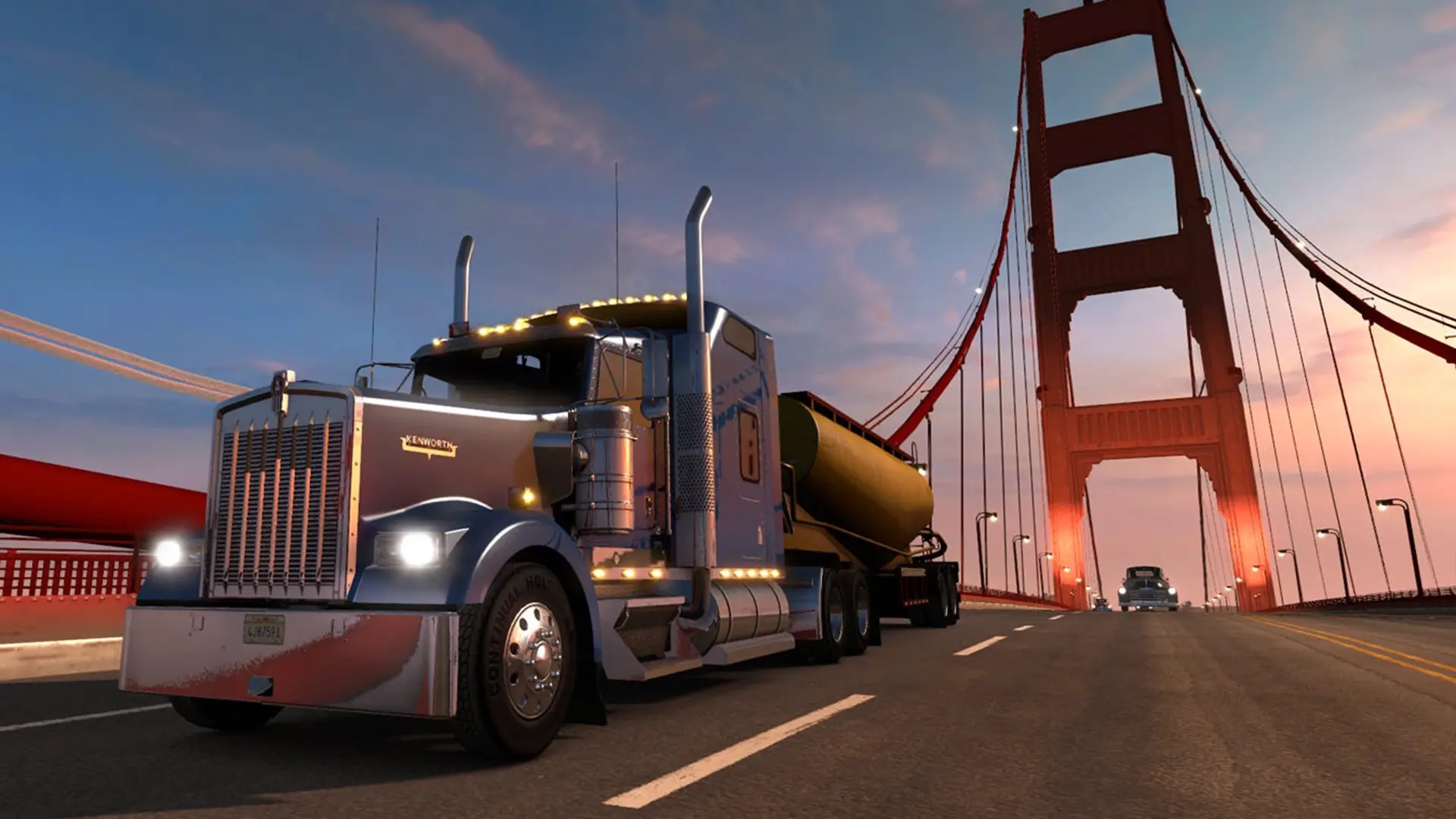
American Truck Simulator Console Commands Guide
Opublikowano przez

Udostępnij:

Udostępnij na X

Udostępnij na Facebooku

Udostępnij na Threads

Udostępnij na Bluesky

Skopiuj do schowka

Udostępnij przez e-mail
American Truck Simulator offers an immersive and realistic trucking experience. Still, some players might want to experiment with certain aspects of the game. If so, consider using console commands in American Truck Simulator, and we’re here to help you learn how to use them.
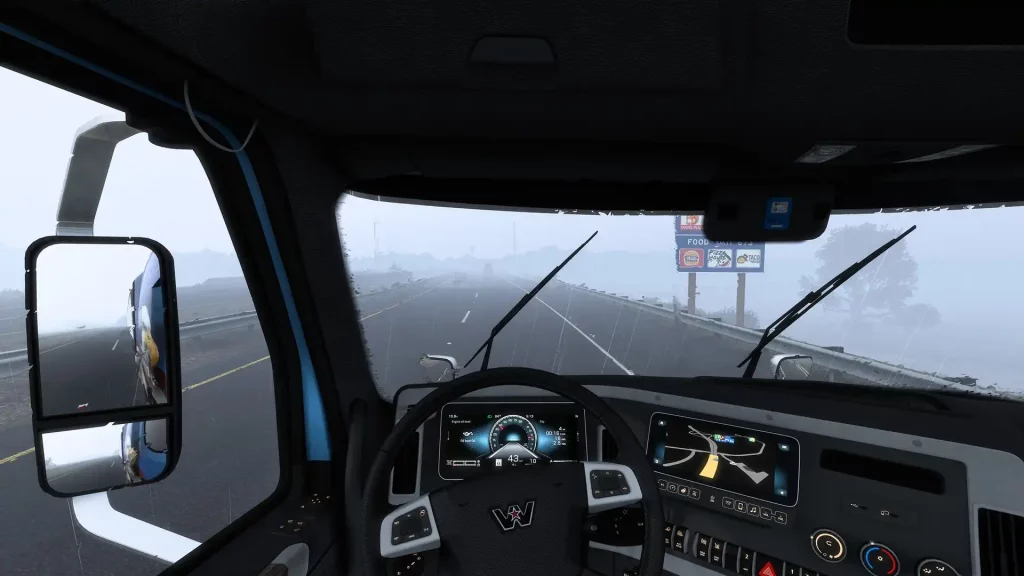 First, ensure that American Truck Simulator isn’t running. Then, search for the game’s home directory. Note that the game’s default locations generally differ depending on your system.
How to Enable Console Commands in American Truck Simulator
First, ensure that American Truck Simulator isn’t running. Then, search for the game’s home directory. Note that the game’s default locations generally differ depending on your system.
- Windows: <User>\Documents\American Truck Simulator\
- Linux: ~/Library/Application Support/American Truck Simulator
- macOS: <User>/.local/share/American Truck Simulator/
All Admin Commands
Remember, create a backup of your save file before enabling the command console and using the available admin commands. Although using console commands in American Truck Simulator can be a fun way to customize your experience, beginners and veterans should still exercise caution when using these features. It’s also important to mention that American Truck Simulator doesn’t have a money cheat or add money command, unlike other simulation games like Farming Simulator 22. However, players can use certain mods to generate money and EXP faster than normal. With that, below are the usable console commands for American Truck Simulator:- Edit: Enable the map editor
- Exec: Execute specific commands
- Exit: Exit the game
- G_console: Enable/disable the gaming console
- G_flyspeed: Enable free camera movement
- G_minicon: Enable/disable various values and technical data (e.g., FPS)
- G_news: Enable/disable the showing of new features
- G_police: Enable/disable the police
- G_set_skybox: Sets the sky to the specified ID or value
- G_set_time: Sets the game to the specified time
- G_set_weather: Change the current weather to the specified weather condition
- G_show_game_elements: Enable/disable various in-game items, such as gas station repair icons
- G_traffic: Enable/disable the traffic
- Game: Reloads the game
- Goto (city name): Teleports to the specified city
- Goto (x;y;z): Teleports to the specific coordinates
- Pause: Pauses the game
- R_fullscreen: Enable/disable full-screen mode
- R_mirror_view_distance: Sets the mirror rendering distance
- R_texture_detail: Sets the game’s current detail quality (set to “0” for the best quality)
- Save: Trigger the quick save
- Screenshot: Takes a screenshot
- Sys_info: Display the operating system’s information
- Vid_mem: Display tech information regarding the graphics card used
- Vid_name: Display the exact name of the graphics card used
- Vid_ver: Display the graphics driver version
- Warp: Sets the game’s speed and timescale
Stwórz swój własny
serwer American Truck Simulator
serwer American Truck Simulator
Wybierz plan, wskaż grę i graj ze znajomymi!
Zapisz się do newslettera
Subskrybuj, aby otrzymywać najnowsze informacje ze świata gier!

Dołącz do naszego Discorda
Zostań częścią naszej społeczności ponad 20,000 podobnie myślących członków!
Jak oceniasz ten wpis?
Podziel się swoją opinią i pomóż nam tworzyć jeszcze lepsze artykuły!
Nie podobał mi się
Neutralnie
Podobał mi się

Potrzebujesz serwera do gry?
Wynajmij serwer gier, na którym Ty i Twoi znajomi możecie grać prywatnie z niskim opóźnieniem i własnymi ustawieniami. Wybieraj spośród 110+ gier, zaproś ludzi z całego świata i ciesz się prywatnymi rozgrywkami lub zbuduj własną społeczność online z własnymi zasadami.

Powiązane wpisy







BĄDŹ NA BIEŻĄCO!
Dołącz do naszego newslettera, aby otrzymywać informacje o naszych hostowanych grach, nowościach firmowych i ekskluzywnych ofertach. Bądź na bieżąco!













