
All WARDOGS Twitch Drops: Requirements, End Date, & More
Opublikowano przez

Udostępnij:

Udostępnij na X

Udostępnij na Facebooku

Udostępnij na Threads

Udostępnij na Bluesky

Skopiuj do schowka

Udostępnij przez e-mail
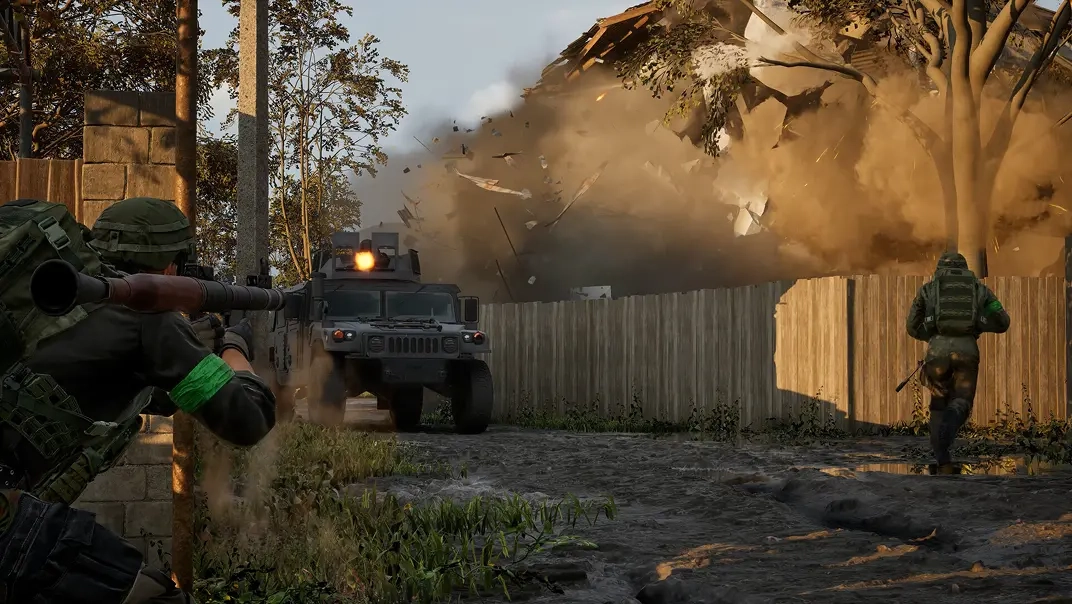
WARDOGS has officially entered early access, and to celebrate over on Twitch, there is an abundance of cosmetics and items to earn! So, today, explore all WARDOGS Twitch Drops and rewards, the requirements to get them, and when their limited availability comes to a close.
 Requirements:
 Requirements:
 Requirements:
 Requirements:
 Requirements:
 Requirements:
 Requirements:
 Requirements:
 Requirements:
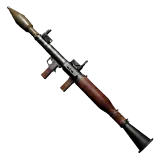 Requirements:
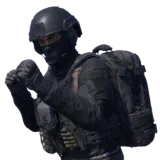 Requirements:
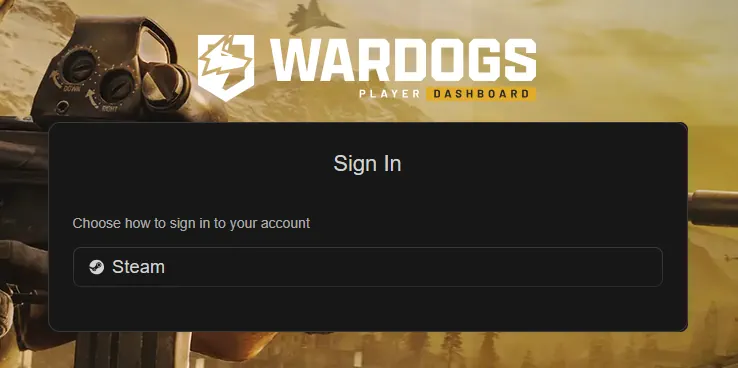 Once the watch time requirements have been met, the Twitch account in use will need to be linked with a Steam account to redeem the rewards. The steps below can be followed to link an account:
All WARDOGS Twitch Drops
Twitch Badges
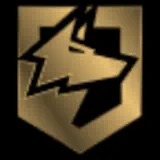
Two WARDOGS Twitch badges are available from September 3 at 2:00 PM EDT to September 30 at 1:59 PM EDT. Once earned, they can be selected to appear next to your username in any Twitch chat, akin to a subscriber badge. They are a Twitch cosmetic, not a cosmetic in WARDOGS. For this reason, they do not require a linked WARDOGS account to redeem.WARDOG
Requirements:
- Find a participating WARDOGS Steam.
- Watch 30 minutes.
- Claim under “Drops & Rewards.”
Warlord
Requirements:
- Find a participating WARDOGS Steam.
- Purchase or gift one subscription.
- Claim under “Drops & Rewards.”
Twitch Drops
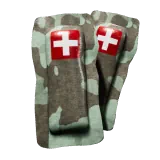
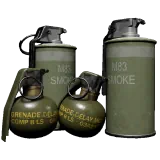
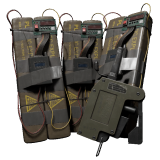
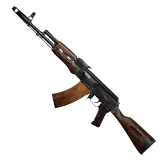
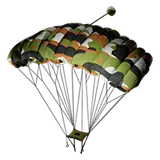
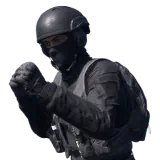
In addition to the badges, fans can earn up to nine in-game items from September 10 at 12:00 PM EDT to September 13 at 10:59 PM EDT. To earn every reward, 15 hours of participating WARDOGS streams must be watched. These are not cosmetics but instead one-time-use items added to your vault. Essentially, a free loadout.Bronze Drop 1 [EA 0.1]
Requirements:
- Watch 15 Minutes
Bronze Drop 2 [EA 0.1]
Requirements:
- Watch 1 Hour
Silver Drop 1 [EA 0.1]
Requirements:
- Watch 2 Hours
Gold Drop 1 [EA 0.1]
Requirements:
- Watch 5 Hours
Gold Drop 2 [EA 0.1]
Requirements:
- Watch 7 Hours
Gold Drop 3 [EA 0.1]
Requirements:
- Watch 9 Hours
Silver Drop 2 [EA 0.1]
Requirements:
- Watch 11 Hours
Gold Drop 4 [EA 0.1]
Requirements:
- Watch 13 Hours
Gold Drop 5 [EA 0.1]
Requirements:
- Watch 15 Hours
How to Redeem the WARDOGS Item Rewards From Twitch Drops
Once the watch time requirements have been met, the Twitch account in use will need to be linked with a Steam account to redeem the rewards. The steps below can be followed to link an account:
- Open the Twitch “Drops & Rewards” page.
- Select the “All Campaigns” tab.
- Select WARDOGS.
- Click “Connect”.
- Select Steam and sign in.
- Confirm the connection.
Zapisz się do newslettera
Subskrybuj, aby otrzymywać najnowsze informacje ze świata gier!

Dołącz do naszego Discorda
Zostań częścią naszej społeczności ponad 20,000 podobnie myślących członków!
Jak oceniasz ten wpis?
Podziel się swoją opinią i pomóż nam tworzyć jeszcze lepsze artykuły!
Nie podobał mi się
Neutralnie
Podobał mi się

Potrzebujesz serwera do gry?
Wynajmij serwer gier, na którym Ty i Twoi znajomi możecie grać prywatnie z niskim opóźnieniem i własnymi ustawieniami. Wybieraj spośród 110+ gier, zaproś ludzi z całego świata i ciesz się prywatnymi rozgrywkami lub zbuduj własną społeczność online z własnymi zasadami.

Powiązane wpisy







BĄDŹ NA BIEŻĄCO!
Dołącz do naszego newslettera, aby otrzymywać informacje o naszych hostowanych grach, nowościach firmowych i ekskluzywnych ofertach. Bądź na bieżąco!













