
Unturned Controls Guide: PC, Console (Xbox, PlayStation, & Switch)
Pubblicato il da

Condividi:

Condividi su X

Condividi su Facebook

Condividi su Threads

Condividi su Bluesky

Copia negli Appunti

Condividi via email
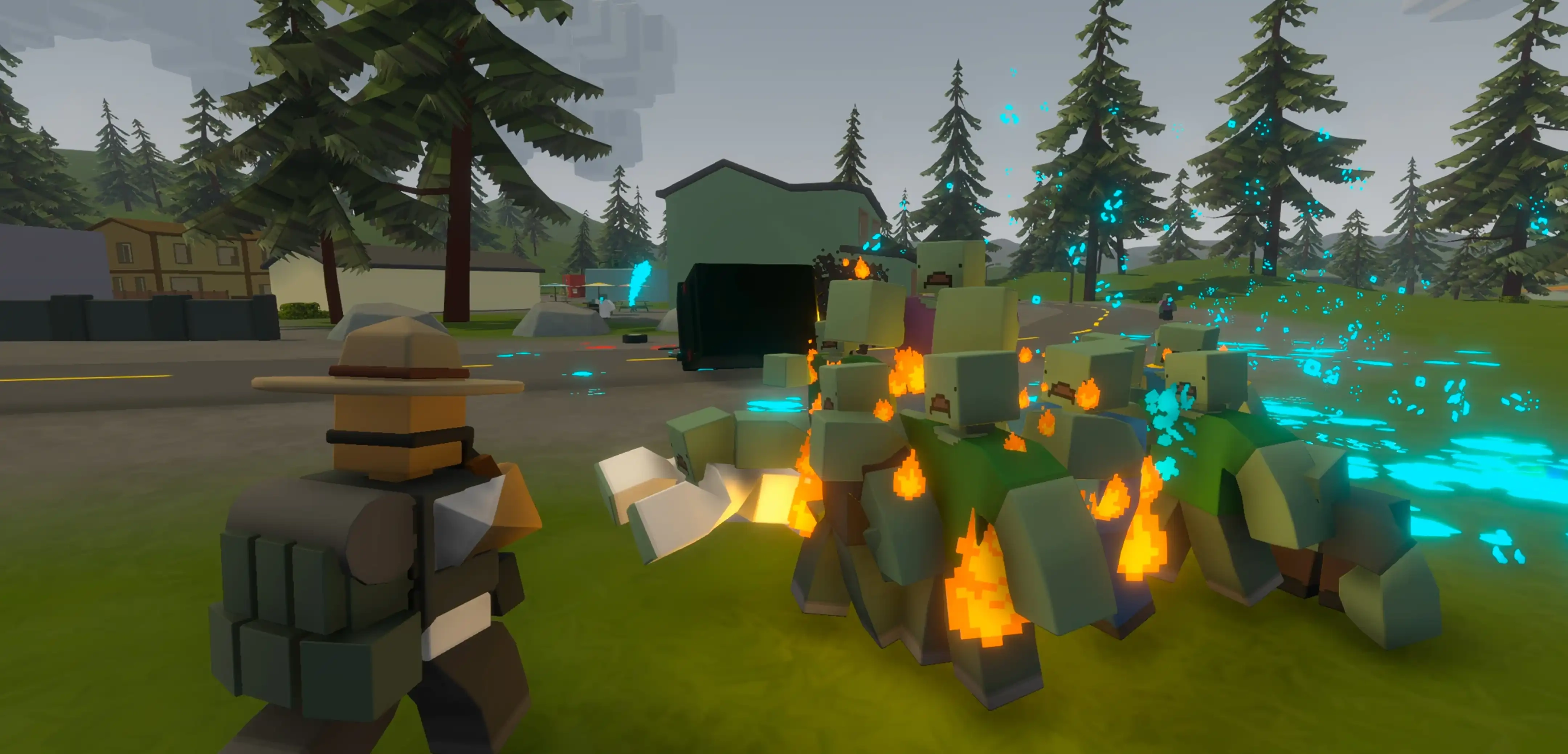
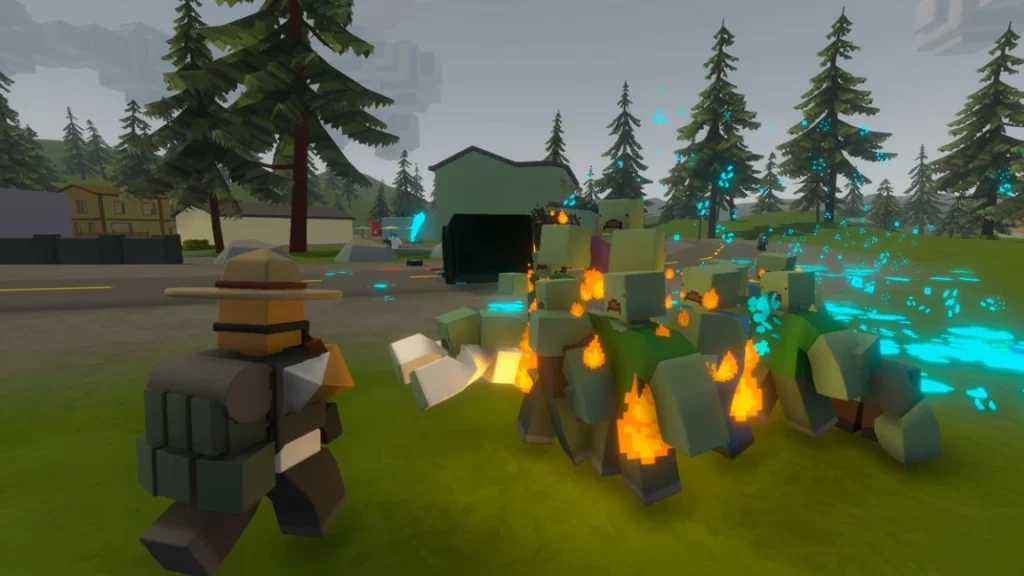
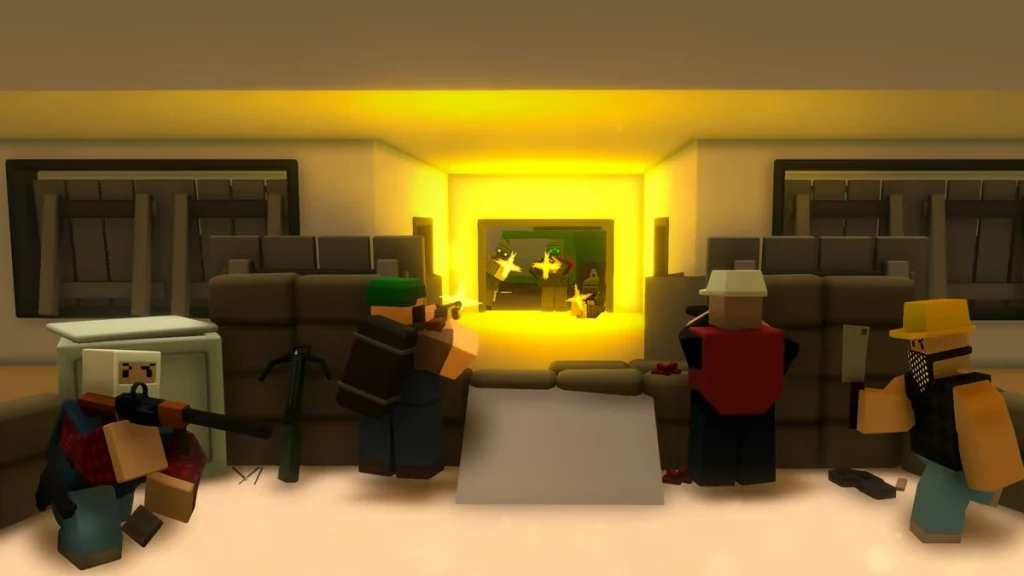
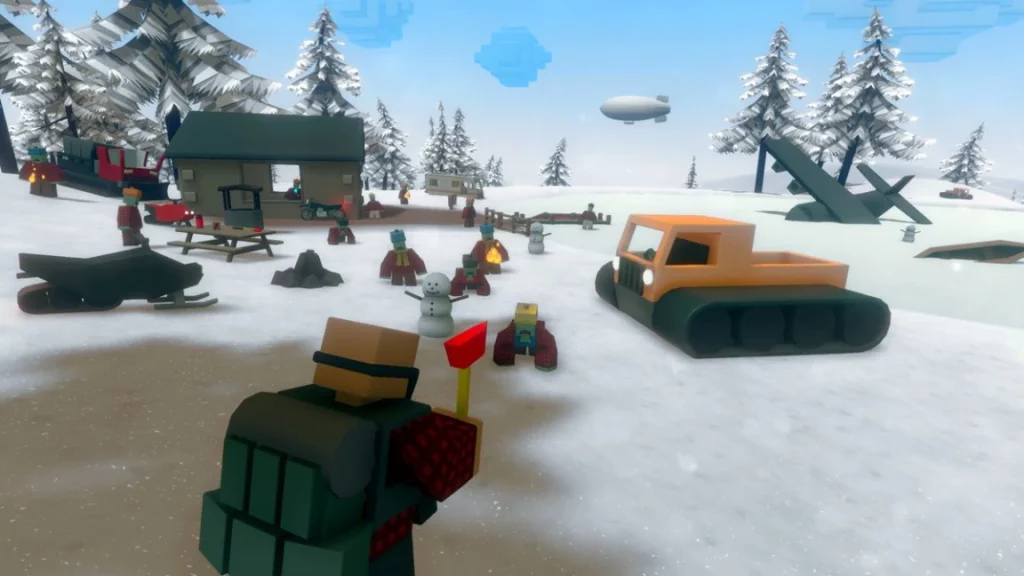
Ah, the good old zombie apocalypse. The hordes of undead might look a bit blockier in Unturned than your average walking dead, but they're still a threat! If you want to make it out alive, you'll need to learn what buttons do what. Luckily, our Unturned controls guide has all the info you need, no matter what system you choose to play on!
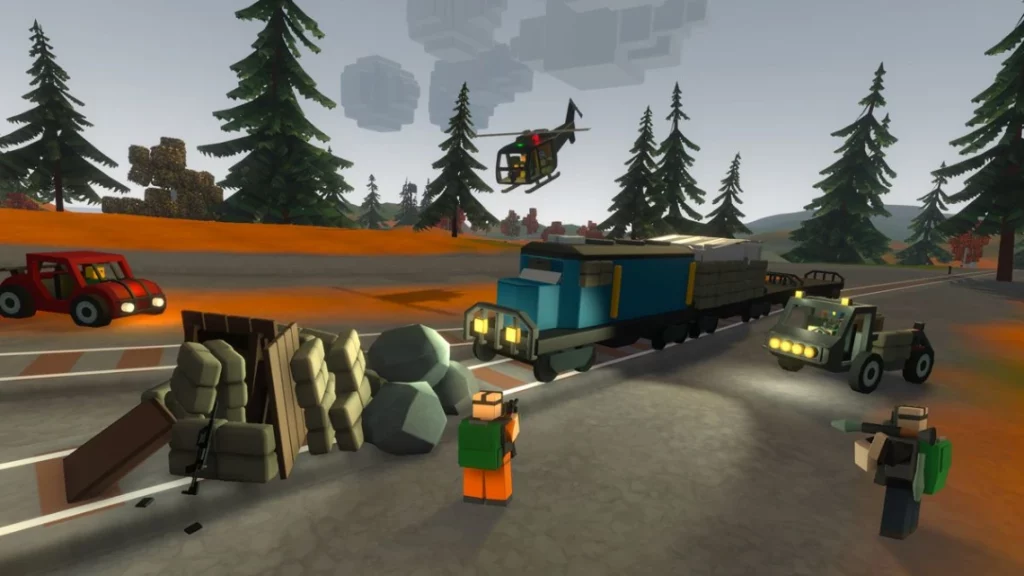
 Most of the controls in Unturned are focused on moving your character, managing your inventory, and putting the undead back in the ground where they belong. However, Unturned also features vehicles for both land and sky. Flying a helicopter might sound tricky, and the controls aren't the most intuitive, but getting off the ground once in a while can bolster your chances of survival.
If you're playing Unturned on PC, you'll have a few more controls and options than console players. Additionally, console players aren't able to remap their controls, but PC players can. You might also find that some actions aren't bound to keys when opening your game's settings. If any controls don't feel right to you, switch them around however you like!
Most of the controls in Unturned are focused on moving your character, managing your inventory, and putting the undead back in the ground where they belong. However, Unturned also features vehicles for both land and sky. Flying a helicopter might sound tricky, and the controls aren't the most intuitive, but getting off the ground once in a while can bolster your chances of survival.
If you're playing Unturned on PC, you'll have a few more controls and options than console players. Additionally, console players aren't able to remap their controls, but PC players can. You might also find that some actions aren't bound to keys when opening your game's settings. If any controls don't feel right to you, switch them around however you like!
Unturned Controls & Keybinds: PC (Mouse & Keyboard)
Most of the controls in Unturned are focused on moving your character, managing your inventory, and putting the undead back in the ground where they belong. However, Unturned also features vehicles for both land and sky. Flying a helicopter might sound tricky, and the controls aren't the most intuitive, but getting off the ground once in a while can bolster your chances of survival.
If you're playing Unturned on PC, you'll have a few more controls and options than console players. Additionally, console players aren't able to remap their controls, but PC players can. You might also find that some actions aren't bound to keys when opening your game's settings. If any controls don't feel right to you, switch them around however you like!
Survival
- Move Forward: W
- Move Backward: S
- Move Left: A
- Move Right: D
- Jump: Spacebar
- Sprint: Left Shift
- Crouch: X
- Prone: Z
- Lean Left: Q
- Lean Right: E
- Swap Camera: H
- Gesture: C
- Interact: F
- Fire/Light Attack: Left Mouse Click
- ADS/Heavy Attack: Right Mouse Click
- Reload: R
- Gun Attachment: T
- Firemode: V
- Toggle Tactical: B
- Toggle Vision: N
- Inspect Weapon: F
- Rotate Item: R
- Unequip Item: Tilde
- Toggle HUD: Home
- Quick Action: LeftCtrl
- Dashboard: Tab
- Inventory: G
- Crafting: Y
- Skills: U
- Map: M
- Player List: P
Chat
- Voice Chat: LeftAlt
- World Chat: J
- Area Chat: K
- Group Chat: L
Driving
- Accelerate: W
- Brake/Reverse: S
- Steer: A & D
- Get In/Get Out: F
- Camera Orientation: Move Mouse
Flying
- Lock: O
- Roll Left: Left Arrow
- Roll Right: Right Arrow
- Pitch Up: Up Arro
- Pitch Down: Down Arrow
- Yaw Left: A
- Yaw Right: D
- Thrust Increase: W
- Thrust Decrease: S
Unturned Controls: Xbox Controller
Survival
- Fire/Light Attack: RT
- ADS/Heavy Attack: LT
- Lean Right: RB
- Lean Left: LB
- Move Forward: Move Left Stick Up
- Move Backward: Move Left Stick Down
- Move Left: Move Left Stick Left
- Move Right: Move Left Stick Right
- Sprint: Press Left Stick
- Reload: X
- Switch Weapon: Y
- Crouch/Prone: B / Hold B
- Jump/Interact: A
- Camera Orientation: Move Right Stick
- Toggle Vision: D-Pad Up
- Use Quick Item: D-Pad Left or D-Pad Right
- Change Camera: D-Pad Down
- Menu: View
- Character Menu: Menu
- Toggle Tactical: Press Right Stick
- Gestures: Press & Hold Right Stick
- Cheat Menu: Press Left & Right Stick
Driving
- Accelerate: RT
- Brake/Reverse: LT
- Steer: Move Left Stick
- Horn: X
- Lock: Y
- Change Seat: B
- Get In/Get Out: A
- Change Camera: D-Pad Left
- Camera Orientation: Move Right Stick
- Turn Lights On/Off: Press Right Stick
Flying
- Yaw Right: RB
- Yaw Left: LB
- Shoot: RT
- Aim: LT
- Lock: Y
- Roll/Pitch: Move Left Stick
- Increase Thrust: D-Pad Up
- Decrease Thrust: D-Pad Down
- Change Camera: D-Pad Left
- Camera Orientation: Move Right Stick
Unturned Controls: PlayStation Controller
Survival
- Fire/Light Attack: R2
- ADS/Heavy Attack: L2
- Lean Right: R1
- Lean Left: L1
- Move Forward: Move Left Stick Up
- Move Backward: Move Left Stick Down
- Move Left: Move Left Stick Left
- Move Right: Move Left Stick Right
- Sprint: L3
- Reload: Square
- Switch Weapon: Triangle
- Crouch/Prone: Circle / Hold Circle
- Jump/Interact: Cross
- Camera Orientation: Move Right Stick
- Toggle Vision: D-Pad Up
- Use Quick Item: D-Pad Left or D-Pad Right
- Change Camera: D-Pad Down
- Menu: Touchpad
- Character Menu: Options
- Toggle Tactical: R3
- Gestures: Press & Hold R3
- Cheat Menu: L3 + R3
Driving
- Accelerate: R2
- Brake/Reverse: L2
- Steer: Move Left Stick
- Horn: Square
- Lock: Triangle
- Change Seat: Circle
- Get In/Get Out: Cross
- Change Camera: D-Pad Left
- Camera Orientation: Move Right Stick
- Turn Lights On/Off: R3
Flying
- Yaw Right: R1
- Yaw Left: L1
- Shoot: R2
- Aim: L2
- Lock: Triangle
- Roll/Pitch: Move Left Stick
- Increase Thrust: D-Pad Up
- Decrease Thrust: D-Pad Down
- Change Camera: D-Pad Left
- Camera Orientation: Move Right Stick
Unturned Controls: Nintendo Switch Controller
Survival
- Fire/Light Attack: ZR
- ADS/Heavy Attack: ZL
- Lean Right: R
- Lean Left: L
- Move Forward: Move Left Stick Up
- Move Backward: Move Left Stick Down
- Move Left: Move Left Stick Left
- Move Right: Move Left Stick Right
- Sprint: Press Left Stick
- Reload: Y
- Switch Weapon: X
- Crouch/Prone: A / Hold A
- Jump/Interact: B
- Camera Orientation: Move Right Stick
- Toggle Vision: D-Pad Up
- Use Quick Item: D-Pad Left or D-Pad Right
- Change Camera: D-Pad Down
- Menu: —
- Character Menu: +
- Toggle Tactical: Press Right Stick
- Gestures: Press & Hold Right Stick
- Cheat Menu: Press Left & Right Stick
Driving
- Accelerate: ZR
- Brake/Reverse: ZL
- Steer: Move Left Stick
- Horn: Y
- Lock: X
- Change Seat: A
- Get In/Get Out: B
- Change Camera: D-Pad Left
- Camera Orientation: Move Right Stick
- Turn Lights On/Off: Press Right Stick
Flying
- Yaw Right: R
- Yaw Left: L
- Shoot: ZR
- Aim: ZL
- Lock: X
- Roll/Pitch: Move Left Stick
- Increase Thrust: D-Pad Up
- Decrease Thrust: D-Pad Down
- Change Camera: D-Pad Left
- Camera Orientation: Move Right Stick
Crea il tuo server
Unturned
Unturned
Scegli un piano, seleziona un gioco e gioca con i tuoi amici!
Iscriviti alla nostra Newsletter
Iscriviti per ricevere gli ultimi aggiornamenti sul mondo del gaming!

Unisciti al nostro Discord
Entra a far parte della nostra community con oltre 20.000 membri appassionati come te!
Come valuteresti questo blog?
Condividi la tua opinione e aiutaci a migliorare sempre di più i nostri blog!
Non mi è piaciuto
Neutrale
Mi è piaciuto

Hai bisogno di un server di gioco?
Noleggia un server di gioco dove tu e i tuoi amici potrete giocare in privato con bassa latenza e impostazioni personalizzate. Scegli tra 110+ giochi, invita persone da tutto il mondo, goditi le partite private o costruisci la tua community online con le tue regole.

Blog Pertinenti







SCOPRI LE ULTIME NOVITÀ!
Iscriviti alla nostra newsletter per ricevere aggiornamenti sui nostri giochi ospitati, novità aziendali e offerte esclusive. Rimani sempre aggiornato!













