
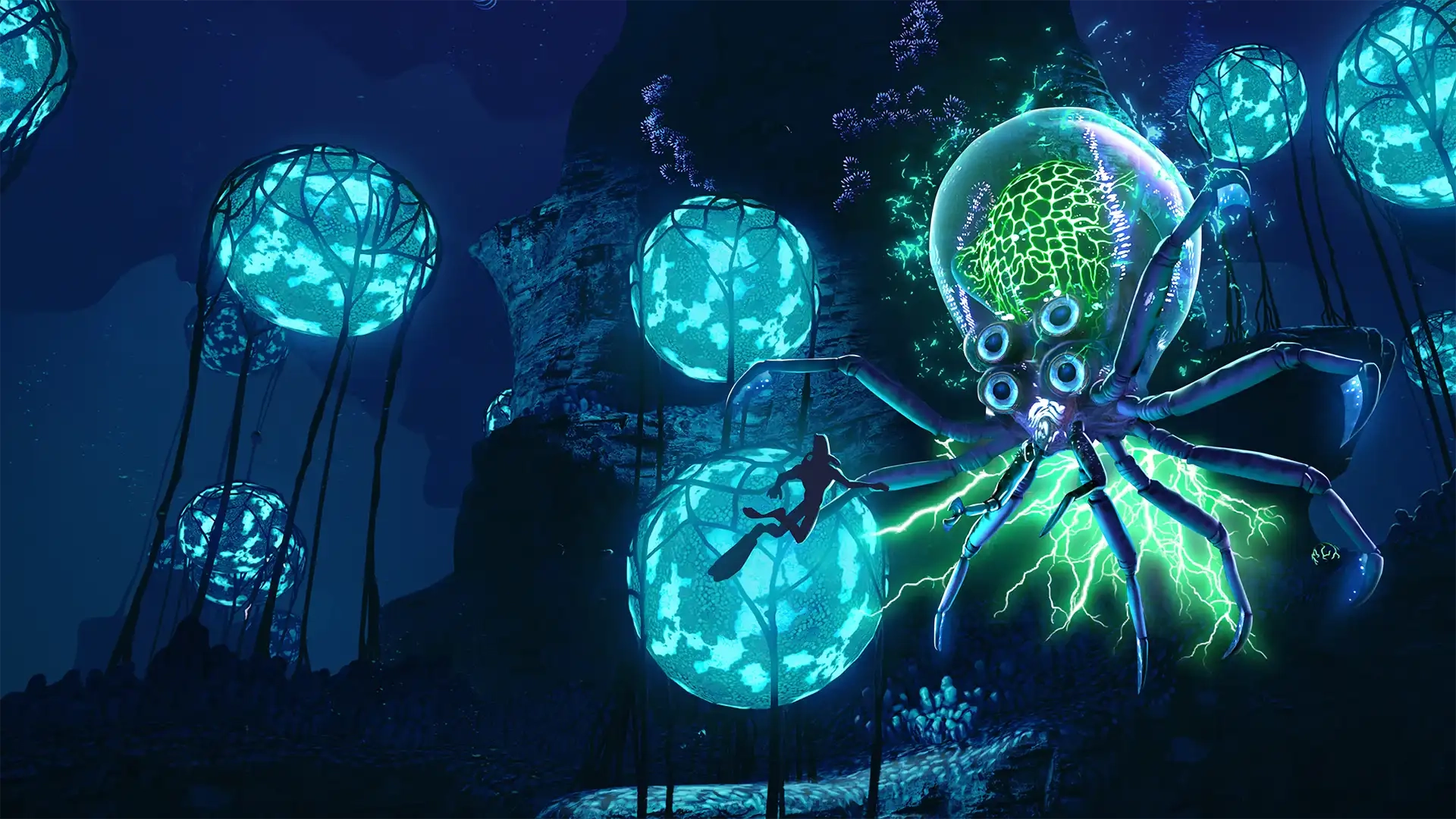
Subnautica Controls Guide: PC, Xbox, PlayStation, & Switch
Pubblicato il da

Condividi:

Condividi su X

Condividi su Facebook

Condividi su Threads

Condividi su Bluesky

Copia negli Appunti

Condividi via email
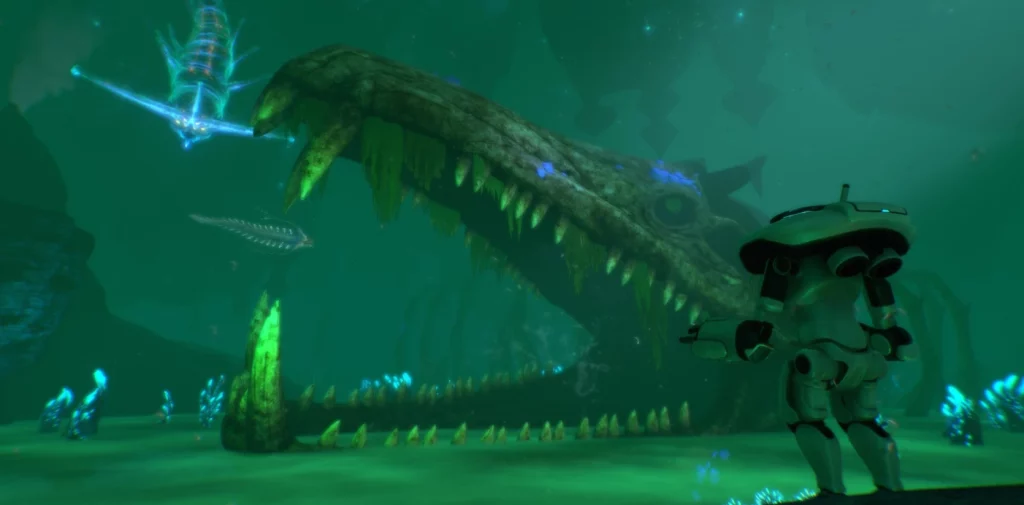
The alien ocean of Subnautica is filled with monstrous fish that would love to make you their next meal. You'll need to gather resources, keep an eye on your oxygen levels, and outswim some apex predators in order to survive. However, you ought to familiarize yourself with the game's controls first! Luckily, our Subnautica controls guide can help you out no matter which platform you're swimming on.
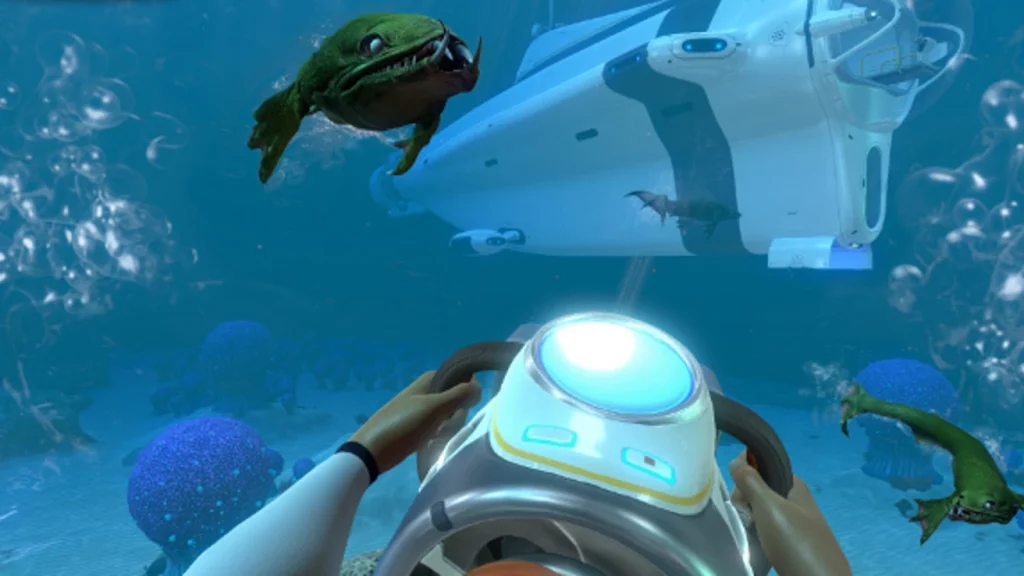 There's not too many controls to wrap your head around in Subnautica. You'll do some light inventory management and interact with some building menus, but swimming and controlling vehicles make up the bulk of your gameplay controls. Naturally, you'll have more keybinds available to you if you're playing on PC, but you can rebind your preferred keybinds on any console or PC.
Subnautica has more controls and options than everything we've listed below, but these are the game's default controls. Interestingly, Subnautica allows you to list more than one button to a specific function. You can swap things around however you like and find what works best for you as you and your friends attempt to flee the planet.
There's not too many controls to wrap your head around in Subnautica. You'll do some light inventory management and interact with some building menus, but swimming and controlling vehicles make up the bulk of your gameplay controls. Naturally, you'll have more keybinds available to you if you're playing on PC, but you can rebind your preferred keybinds on any console or PC.
Subnautica has more controls and options than everything we've listed below, but these are the game's default controls. Interestingly, Subnautica allows you to list more than one button to a specific function. You can swap things around however you like and find what works best for you as you and your friends attempt to flee the planet.
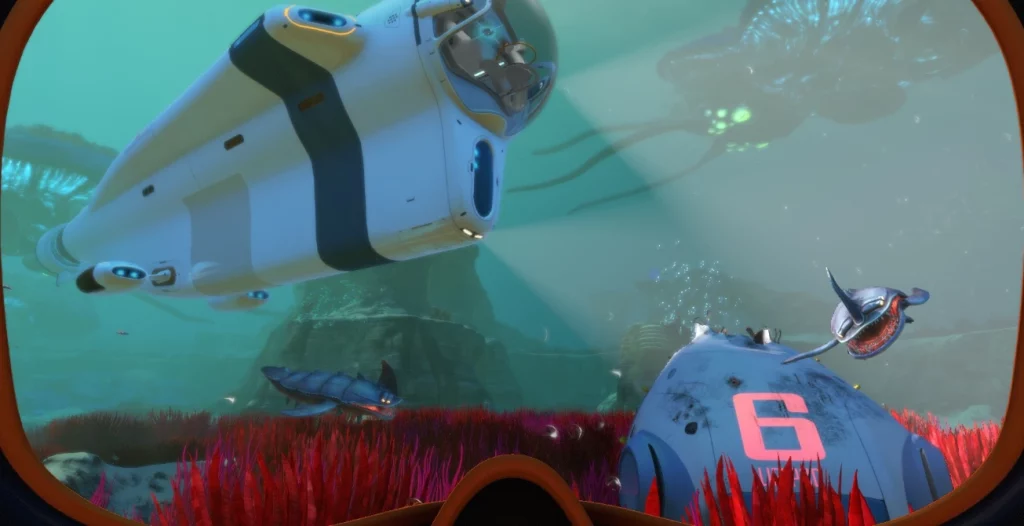
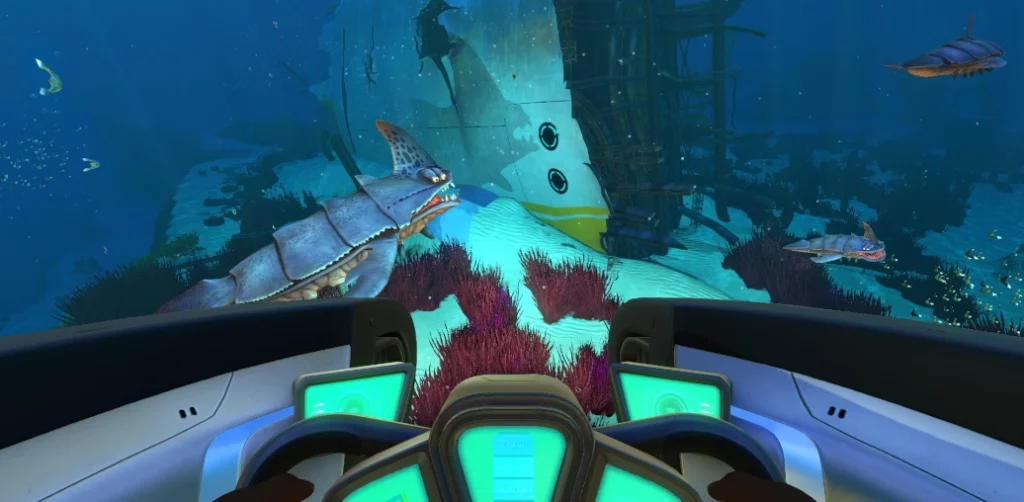
Subnautica Controls & Keybinds: PC
There's not too many controls to wrap your head around in Subnautica. You'll do some light inventory management and interact with some building menus, but swimming and controlling vehicles make up the bulk of your gameplay controls. Naturally, you'll have more keybinds available to you if you're playing on PC, but you can rebind your preferred keybinds on any console or PC.
Subnautica has more controls and options than everything we've listed below, but these are the game's default controls. Interestingly, Subnautica allows you to list more than one button to a specific function. You can swap things around however you like and find what works best for you as you and your friends attempt to flee the planet.
- Jump: Spacebar
- PDA: Tab
- Deconstruct: Q
- Exit / Holster: E
- Left Hand / Use: Left Mouse Click
- Right Hand: Right Mouse Click
- Next Item: Scroll Wheel Up
- Previous Item: Scroll Wheel Down
- Slot 1: 1
- Slot 2: 2
- Slot 3: 3
- Slot 4: 4
- Slot 5: 5
- Load Tool: F
- Rotate Item Left: Q
- Rotate Item Right: E
- Take Picture: F11
- Reload: R
- Sprint: Left Shift
- Move Up: Spacebar
- Move Down: C
- Move Forward: W
- Move Backward: S
- Move Left: A
- Move Right: D
- Debug Information Menu: F1
- Debug Graphics Menu: F3
- Hide/Show Interface: F6
- Feedback Menu: F8
- Windowed / Fullscreen: Alt+Enter
Abiotic Factor Controls: Xbox
- Move: Left Control Stick
- Look: Right Control Stick
- Jump: Y
- PDA: View
- Deconstruct: Down on D-Pad
- Exit / Holster: B
- Left Hand / Use: A / LT
- Right Hand: RT
- Cycle Next: Right on D-Pad
- Cycle Previous: Left on D-Pad
- Tool Alternate Use: Up on D-Pad
- Take Picture: Click Right Stick
- Reload: X
- Sprint: A
- Move Up: RB
- Move Down: LB
Subnautica Controls: PlayStation
- Move: Left Control Stick
- Look: Right Control Stick
- Jump: Triangle
- PDA: Touchpad
- Deconstruct: Down on D-Pad
- Exit / Holster: Circle
- Left Hand / Use: Cross / L2
- Right Hand: R2
- Cycle Next: Right on D-Pad
- Cycle Previous: Left on D-Pad
- Tool Alternate Use: Up on D-Pad
- Take Picture: R3
- Reload: Square
- Sprint: Cross
- Move Up: R1
- Move Down: L1
Subnautica Controls: Nintendo Switch
- Move: Left Control Stick
- Look: Right Control Stick
- Jump: X
- PDA: -
- Deconstruct: Down on D-Pad
- Exit / Holster: A
- Left Hand / Use: B / L2
- Right Hand: ZR
- Cycle Next: Right on D-Pad
- Cycle Previous: Left on D-Pad
- Tool Alternate Use: Up on D-Pad
- Take Picture: Click Right Stick
- Reload: Y
- Sprint: B
- Move Up: R
- Move Down: L
Crea il tuo server
Subnautica Nitrox
Subnautica Nitrox
Scegli un piano, seleziona un gioco e gioca con i tuoi amici!
Iscriviti alla nostra Newsletter
Iscriviti per ricevere gli ultimi aggiornamenti sul mondo del gaming!

Unisciti al nostro Discord
Entra a far parte della nostra community con oltre 20.000 membri appassionati come te!
Come valuteresti questo blog?
Condividi la tua opinione e aiutaci a migliorare sempre di più i nostri blog!
Non mi è piaciuto
Neutrale
Mi è piaciuto

Hai bisogno di un server di gioco?
Noleggia un server di gioco dove tu e i tuoi amici potrete giocare in privato con bassa latenza e impostazioni personalizzate. Scegli tra 110+ giochi, invita persone da tutto il mondo, goditi le partite private o costruisci la tua community online con le tue regole.

Blog Pertinenti







SCOPRI LE ULTIME NOVITÀ!
Iscriviti alla nostra newsletter per ricevere aggiornamenti sui nostri giochi ospitati, novità aziendali e offerte esclusive. Rimani sempre aggiornato!













