

RuneScape: Dragonwilds Controls Guide (Keyboard, Mouse, Controller)
Pubblicato il da

Condividi:

Condividi su X

Condividi su Facebook

Condividi su Threads

Condividi su Bluesky

Copia negli Appunti

Condividi via email
Are you looking into entering the world of Ashenfall? If so, mastering the default controls of RuneScape: Dragonwilds should be your first right of passage. Whether you’re using a keyboard or gamepad, engraving the commands to muscle memory separates the survivor from the fallen. So, begin your journey to become an expert adventurer by learning the game’s default keybinds through this guide.
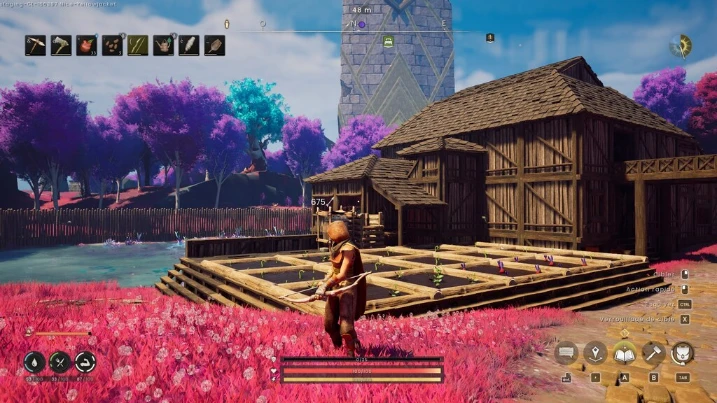
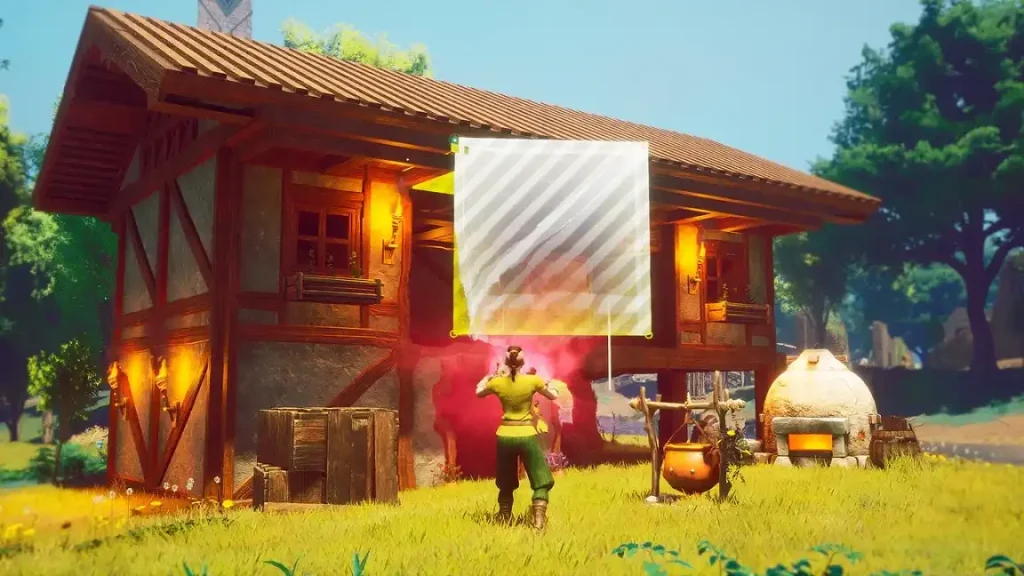 While Dragonwilds supports controllers and gamepads, it's important to note that many recommend using your mouse for some sections, including menus.
RuneScape: Dragonwilds Controls Guide
The following guide highlights the default controls for RuneScape: Dragonwilds. Consider these default keybinds for the gamepad and keyboard & mouse to be your foundation as a new player. Veterans, on the other hand, can use this guide to help remap their keybinds that suit their unique playstyles, especially for combat, resource farming, and basic survival.RuneScape: Dragonwilds Keyboard & Mouse Controls
Basic Movement Controls
- Move Forward: W
- Move Left: A
- Move Backward: S
- Move Right: D
- Crouch: C
- Jump: Space
- Sprint: SHIFT
Combat Controls
- Primary Action: Left mouse button
- Secondary Action: Right mouse button
- Special Action: Middle mouse button
- Interact: E
- Secondary Interact: F
- Evade: CTRL
Menu Controls
- Main Menu: M
- Journal: J
- Building: B
- Emote Menu: H
- Inventory Toggle: TAB
- Map: M
- Skills Menu: K
- Spells Menu: Q
- Top Bar Skills: K
- Top Bar Tab Left: Q
- Top Bar Tab Right: E
Inventory & Item Management Controls
- Destroy Item: X
- Grant Quick Transfer: CTRL
- Grant Split Stack: SHIFT
- Take All: R
Quick Access Controls
- Quick Access Slot 1: 1
- Quick Access Slot 2: 2
- Quick Access Slot 3: 3
- Quick Access Slot 4: 4
- Quick Access Slot 5: 5
- Quick Access Slot 6: 6
- Quick Access Slot 7: 7
- Quick Access Slot 8: 8
Building Controls
- Building Tab Left: Q
- Building Tab Right: E
- Cancel Building: Escape
- Destroy Object: Middle mouse button
- Free Placement: Y
- Oculus Move Down: C
- Oculus Move Up: Space
- Quick Interact: Left mouse button
- Repair: T
Crafting Controls
- Crafting Tab Left: Q
- Crafting Tab Right: E
Quest Dialog Controls
- Continue Conversation: Space
- Cancel Conversation: Escape
- Select Answer 1: 1
- Select Answer 2: 2
- Select Answer 3: 3
- Select Answer 4: 4
RuneScape: Dragonwilds Controller Controls (Xbox Controller Layout)
While Dragonwilds supports controllers and gamepads, it's important to note that many recommend using your mouse for some sections, including menus.
Basic Movement Controls
- Character Movement: Left analog stick
- Crouch: Click the right analog stick
- Jump: A
- Sprint: Click the left analog stick
Combat Controls
- Primary Action: Right trigger
- Secondary Action: Left trigger
- Special Action: Right bumper
- Interact: X
- Evade: B
Menu Controls
- Main Menu: Menu button
- Journal: Menu button
- Building: Down directional button
- Inventory Toggle: Y
- Map: Menu button
- Skills Menu: Menu button
- Spells Menu: Left bumper
- Top Bar Tab Left: Left bumper
- Top Bar Tab Right: Right bumper
Inventory & Item Management Controls
- Destroy Item: X
- Take All: Y
Building Controls
- Building Tab Left: Left bumper
- Building Tab Right: Right bumper
- Cancel Building: Up directional button
- Destroy Object: Left bumper
- Free Placement: Right directional button
- Oculus Move Down: Left analog stick
- Oculus Move Up: Right analog stick
- Quick Interact: Right bumper
- Repair: Down directional button
Crafting Controls
- Crafting Tab Left: Left bumper
- Crafting Tab Right: Right bumper
Quest Dialog Controls
- Continue Conversation: X
- Cancel Conversation: B
Crea il tuo server
Runescape: Dragonwilds
Runescape: Dragonwilds
Scegli un piano, seleziona un gioco e gioca con i tuoi amici!
Iscriviti alla nostra Newsletter
Iscriviti per ricevere gli ultimi aggiornamenti sul mondo del gaming!

Unisciti al nostro Discord
Entra a far parte della nostra community con oltre 20.000 membri appassionati come te!
Come valuteresti questo blog?
Condividi la tua opinione e aiutaci a migliorare sempre di più i nostri blog!
Non mi è piaciuto
Neutrale
Mi è piaciuto

Hai bisogno di un server di gioco?
Noleggia un server di gioco dove tu e i tuoi amici potrete giocare in privato con bassa latenza e impostazioni personalizzate. Scegli tra 110+ giochi, invita persone da tutto il mondo, goditi le partite private o costruisci la tua community online con le tue regole.

Blog Pertinenti







SCOPRI LE ULTIME NOVITÀ!
Iscriviti alla nostra newsletter per ricevere aggiornamenti sui nostri giochi ospitati, novità aziendali e offerte esclusive. Rimani sempre aggiornato!













