
LOTR: Return to Moria Controls Guide: PC, Xbox, & PlayStation
Pubblicato il da

Condividi:

Condividi su X

Condividi su Facebook

Condividi su Threads

Condividi su Bluesky

Copia negli Appunti

Condividi via email
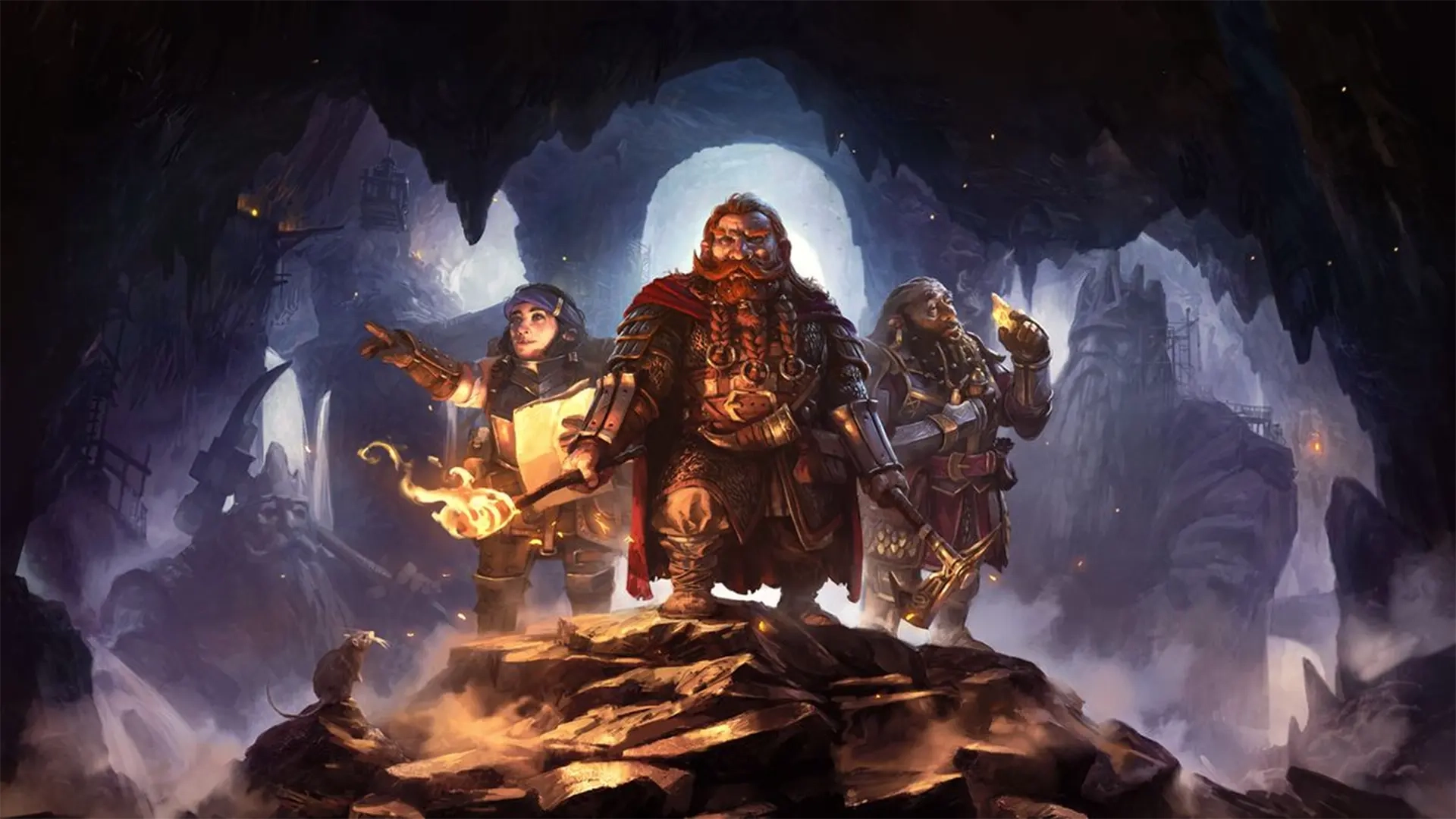
It's time to return to the kingdom under the mountain. In Lord of the Rings: Return to Moria, you and your dwarven brothers and sisters must reclaim, rebuild, and refortify the home of your ancestors. Feeling ready for an unexpected journey? Keep our LOTR: Return to Moria controls guide with you and keep it safe! Before restoring Moria to its former glory, you'll need to learn how things work.
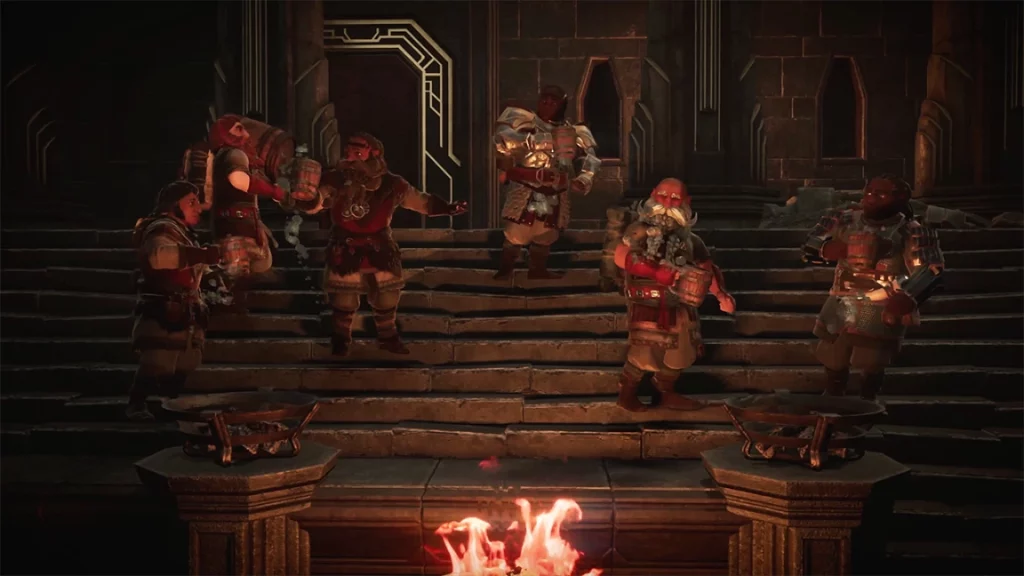 In LOTR: Return to Moria, you'll fight enemies, explore cavernous ruins, and build up new fortifications. That may sound like a lot, but the controls are simple and should feel familiar to fans of survival games. If you're playing on PC, you'll naturally have more options and controls than on consoles. However, you can rebind your controls no matter which platform you use.
Even on console, you'll find that some controls and settings don't have keybinds by default. You can assign buttons to these prompts however you like, but make sure you don't accidentally overwrite some of the game's essential controls. If things don't feel quite right, mix around the controls however you want. All of the controls listed below are the game's default settings for each platform.
In LOTR: Return to Moria, you'll fight enemies, explore cavernous ruins, and build up new fortifications. That may sound like a lot, but the controls are simple and should feel familiar to fans of survival games. If you're playing on PC, you'll naturally have more options and controls than on consoles. However, you can rebind your controls no matter which platform you use.
Even on console, you'll find that some controls and settings don't have keybinds by default. You can assign buttons to these prompts however you like, but make sure you don't accidentally overwrite some of the game's essential controls. If things don't feel quite right, mix around the controls however you want. All of the controls listed below are the game's default settings for each platform.
LOTR - Return to Moria Controls & Keybinds: PC
In LOTR: Return to Moria, you'll fight enemies, explore cavernous ruins, and build up new fortifications. That may sound like a lot, but the controls are simple and should feel familiar to fans of survival games. If you're playing on PC, you'll naturally have more options and controls than on consoles. However, you can rebind your controls no matter which platform you use.
Even on console, you'll find that some controls and settings don't have keybinds by default. You can assign buttons to these prompts however you like, but make sure you don't accidentally overwrite some of the game's essential controls. If things don't feel quite right, mix around the controls however you want. All of the controls listed below are the game's default settings for each platform.
Movement and Interaction
- Move Forward: W
- Move Backward: S
- Move Left: A
- Move Right: D
- Jump: Spacebar
- Dodge: Left Control
- Crouch: Z
- Sprint: Left Shift
- Use / Attack / Mine: Left Mouse Click
- Block / Aim: Right Mouse Click
- Toggle Target Lock: Push Scroll Wheel
- Interact: E
- Call Out: Q
General
- Throw Item: R
- Crafting: C
- Map: M
- Place Waypoint on Map: X
- Open Chat: Enter
- Goals: G
- Lore: H
- Tips: T
- Open Free Cam: O
- Game Menu Next: E
- Game Menu Previous: Q
- Inventory Quick Move Modifier: Left Shift
- Inventory Grab One Modifier: Left Control
Building
- Build: B
- Deconstruct: X
- Quick Deconstruct: Z
- Toggle Camera Height: G
- Rotate Construction: R
- Rotate Construction Counterclockwise: T
- Quick Build Platform: V
- Quick Build Rope: F
Inventory
- Inventory: Tab
- Equip Masterwork Item: 0
- Equip Slot 1: 1
- Equip Slot 2: 2
- Equip Slot 3: 3
- Equip Slot 4: 4
- Equip Slot 5: 5
- Equip Slot 6: 6
- Equip Slot 7: 7
- Equip Slot 8: 8
Emotes
- Emote 1: Up Arrow
- Emote 2: Right Arrow
- Emote 3: Down Arrow
- Emote 4: Left Arrow
LOTR - Return to Moria Controls: Xbox
- Move: Left Control Stick
- Camera: Right Control Stick
- Attack / Mine / Use: RT
- Block / Aim: LT
- Action Bar Select Right: RB
- Action Bar Select Left: LB
- Last Game Menu: Menu
- Map: View
- Jump: A
- Interact: X
- Dodge/Crouch: B
- Inventory: Y
- Target Lock: Click Right Stick
- Toggle Sprint: Click Left Stick
- Building Plans: Up on D-Pad
- Quick Build: Down on D-Pad
- Throw Primary Item: Right on D-Pad
- Call Out: Left on D-Pad
LOTR - Return to Moria Controls: PlayStation
- Move: Left Control Stick
- Camera: Right Control Stick
- Attack / Mine / Use: R2
- Block / Aim: L2
- Action Bar Select Right: R1
- Action Bar Select Left: L1
- Last Game Menu: Options
- Map: Touchpad
- Jump: Cross
- Interact: Square
- Dodge/Crouch: Circle
- Inventory: Triangle
- Target Lock: R3
- Toggle Sprint: L3
- Building Plans: Up on D-Pad
- Quick Build: Down on D-Pad
- Throw Primary Item: Right on D-Pad
- Call Out: Left on D-Pad
Crea il tuo server
Lord of the Rings: Return to Moria
Lord of the Rings: Return to Moria
Scegli un piano, seleziona un gioco e gioca con i tuoi amici!
Iscriviti alla nostra Newsletter
Iscriviti per ricevere gli ultimi aggiornamenti sul mondo del gaming!

Unisciti al nostro Discord
Entra a far parte della nostra community con oltre 20.000 membri appassionati come te!
Come valuteresti questo blog?
Condividi la tua opinione e aiutaci a migliorare sempre di più i nostri blog!
Non mi è piaciuto
Neutrale
Mi è piaciuto

Hai bisogno di un server di gioco?
Noleggia un server di gioco dove tu e i tuoi amici potrete giocare in privato con bassa latenza e impostazioni personalizzate. Scegli tra 110+ giochi, invita persone da tutto il mondo, goditi le partite private o costruisci la tua community online con le tue regole.

Blog Pertinenti







SCOPRI LE ULTIME NOVITÀ!
Iscriviti alla nostra newsletter per ricevere aggiornamenti sui nostri giochi ospitati, novità aziendali e offerte esclusive. Rimani sempre aggiornato!













