

Icarus Console Commands Guide: All Server Commands & How to Use Them
Pubblicato il da

Condividi:

Condividi su X

Condividi su Facebook

Condividi su Threads

Condividi su Bluesky

Copia negli Appunti

Condividi via email
(Estimated Read Time: 3 Minutes)
In a game as chaotic as ICARUS, a little extra control can go a long way. So, today, we explore all Icarus console commands and server commands that can be used in-game.Icarus Console Commands
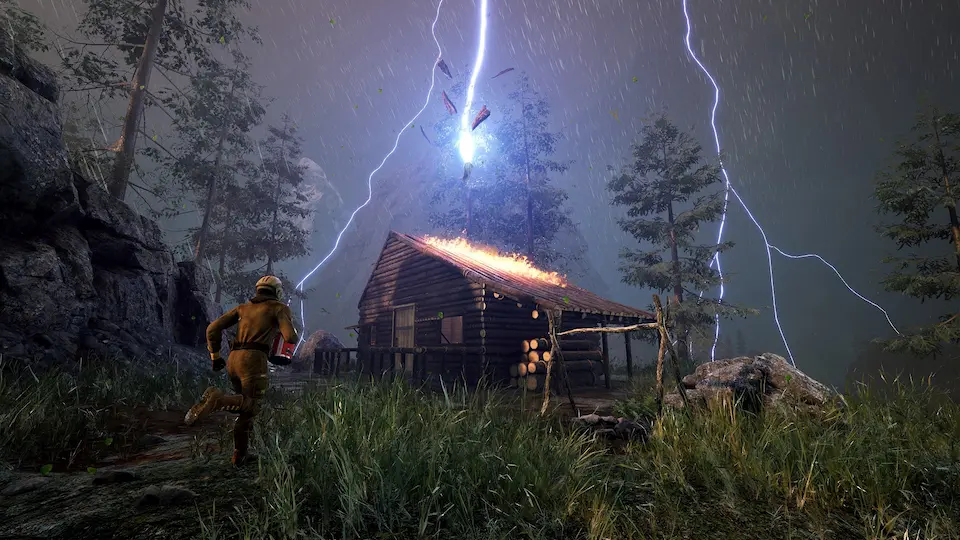 Sadly, at this time, there are no official Icarus console commands outside of those used for player management in multiplayer. However, players can instead edit their profile.json file to provide everything from items to levels and even quest completions. Still not as convenient as commands, but a workaround nonetheless.
Editing the profile.json file can be done using the steps below:
Sadly, at this time, there are no official Icarus console commands outside of those used for player management in multiplayer. However, players can instead edit their profile.json file to provide everything from items to levels and even quest completions. Still not as convenient as commands, but a workaround nonetheless.
Editing the profile.json file can be done using the steps below:
- Right Click on the Windows Start Button
- Open File Explorer
- Type %localappdata% in the Quick Access Bar and Click Enter
- Find and Open the Icarus Folder
- Open the Saved Folder
- Open the PlayerData Folder
- Open the Character Folder (Appears as a long String of Numbers)
- Open the profile.json File in Notepad
- Edit as Desired
- Click Save
Server Commands
- /AdminLogin (Password Here) – Grants admin using the password set in the server’s icarus.properties file.
- /AdminSay (Message Here) – Sends an admin message to all players.
- /BanPlayer (Steam ID or Player Name Here) (Reason Here) – Removes and permanently prevents a player from rejoining the server.
- /Help – Lists all Icarus admin commands.
- /KickPlayer (Steam ID or Player Name Here) (Reason Here) – Temporarily removes a player from the server.
- /ReturnToLobby – Returns the server to prospect selection.
- /ReturnToLobbyWhenEmpty – Returns the server to prospect selection once no players are online.
- /UnbanPlayer (Steam ID or Player Name Here) – Unbans a player removed using the “BanPlayer” command.
Crea il tuo server
Icarus
Icarus
Scegli un piano, seleziona un gioco e gioca con i tuoi amici!
Iscriviti alla nostra Newsletter
Iscriviti per ricevere gli ultimi aggiornamenti sul mondo del gaming!

Unisciti al nostro Discord
Entra a far parte della nostra community con oltre 20.000 membri appassionati come te!
Come valuteresti questo blog?
Condividi la tua opinione e aiutaci a migliorare sempre di più i nostri blog!
Non mi è piaciuto
Neutrale
Mi è piaciuto

Hai bisogno di un server di gioco?
Noleggia un server di gioco dove tu e i tuoi amici potrete giocare in privato con bassa latenza e impostazioni personalizzate. Scegli tra 110+ giochi, invita persone da tutto il mondo, goditi le partite private o costruisci la tua community online con le tue regole.

Blog Pertinenti







SCOPRI LE ULTIME NOVITÀ!
Iscriviti alla nostra newsletter per ricevere aggiornamenti sui nostri giochi ospitati, novità aziendali e offerte esclusive. Rimani sempre aggiornato!













