

Hytale Download Errors: Error Codes & How to Fix
Pubblicato il da

Condividi:

Condividi su X

Condividi su Facebook

Condividi su Threads

Condividi su Bluesky

Copia negli Appunti

Condividi via email
Hytale has had a somewhat tumultuous start for some players when it comes to downloading the game and its early patches, resulting in a range of errors and error codes, some caused by overall server traffic, others by storage capacity concerns. Here we tackle all Hytale download errors that are currently known and cover how to fix them so you can get back into the game (and your server)!
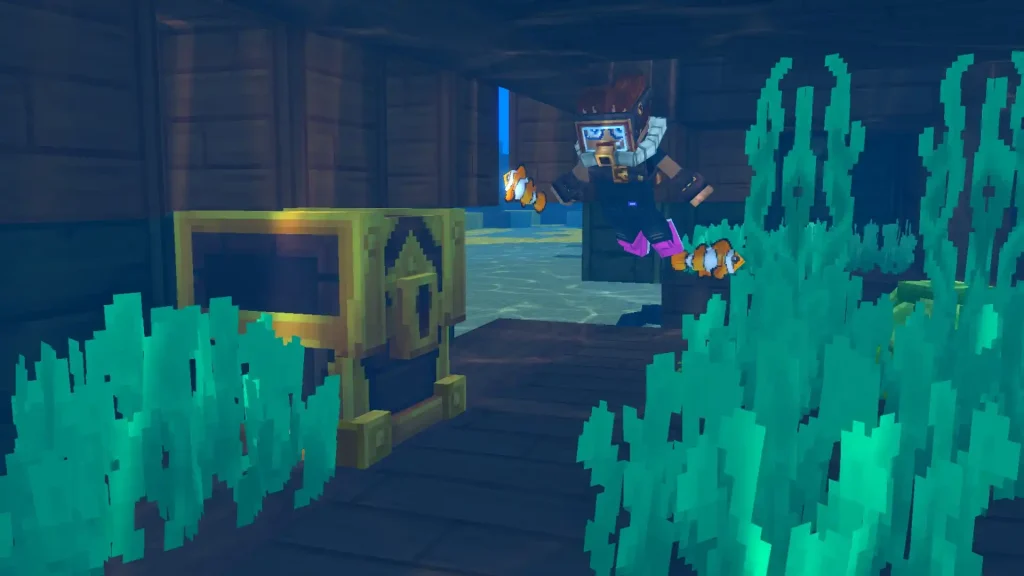
Hytale Download Errors: Common Error Code & How to Fix
"Error applying update to "game": error applying patch..."...
This error message is the current most likely error code you'll receive when downloading a Hytale update. Thankfully, it's an extremely quick fix and requires no tech wizardry! This error is received when players don't have enough storage space to download the Hytale update. This especially comes up with the game's frequent, varying-size updates during its early access start. To fix it, simply clear enough file space to download the update, then return to your client and click "Update".Error applying update to “game”: error downloading patch 0: error downloading file from https://game-patches.hytale.com/patches/windows/amd64/release/0/1.pwr: stream error: stream ID 1; INTERNAL_ERROR; received from peer
Many are speculating that this download error appears primarily because several players are simultaneously trying to download the game, causing slowdowns and crashes to the Hytale’s download server. So, the ideal solution is to click “Relaunch” and then try again. The game retains progress between attempts, so you won't have to continuously start from zero, so don't lose hope! Alternatively, connect to a VPN before and attempt to download the game again. Use different portals, particularly those with less server traffic than normal. Certain players reported that this method worked for them, as doing so showed little to no sign of issues when downloading the game. It may take a few (or a lot) of tries before the Hytale downloads successfully. So, patience and perseverance are advised to download and launch the game. Some players were able to download the game successfully, despite the error message appearing.Crea il tuo server
Hytale
Hytale
Scegli un piano, seleziona un gioco e gioca con i tuoi amici!
Iscriviti alla nostra Newsletter
Iscriviti per ricevere gli ultimi aggiornamenti sul mondo del gaming!

Unisciti al nostro Discord
Entra a far parte della nostra community con oltre 20.000 membri appassionati come te!
Come valuteresti questo blog?
Condividi la tua opinione e aiutaci a migliorare sempre di più i nostri blog!
Non mi è piaciuto
Neutrale
Mi è piaciuto

Hai bisogno di un server di gioco?
Noleggia un server di gioco dove tu e i tuoi amici potrete giocare in privato con bassa latenza e impostazioni personalizzate. Scegli tra 110+ giochi, invita persone da tutto il mondo, goditi le partite private o costruisci la tua community online con le tue regole.

Blog Pertinenti







SCOPRI LE ULTIME NOVITÀ!
Iscriviti alla nostra newsletter per ricevere aggiornamenti sui nostri giochi ospitati, novità aziendali e offerte esclusive. Rimani sempre aggiornato!













