
Voyagers of Nera Controls Guide: PC (Mouse & Keyboard) and Controller (PlayStation, Xbox)
Publié le par

Partager :

Partager sur X

Partager sur Facebook

Partager sur Threads

Partager sur Bluesky

Copier dans le presse-papiers

Partager par e-mail
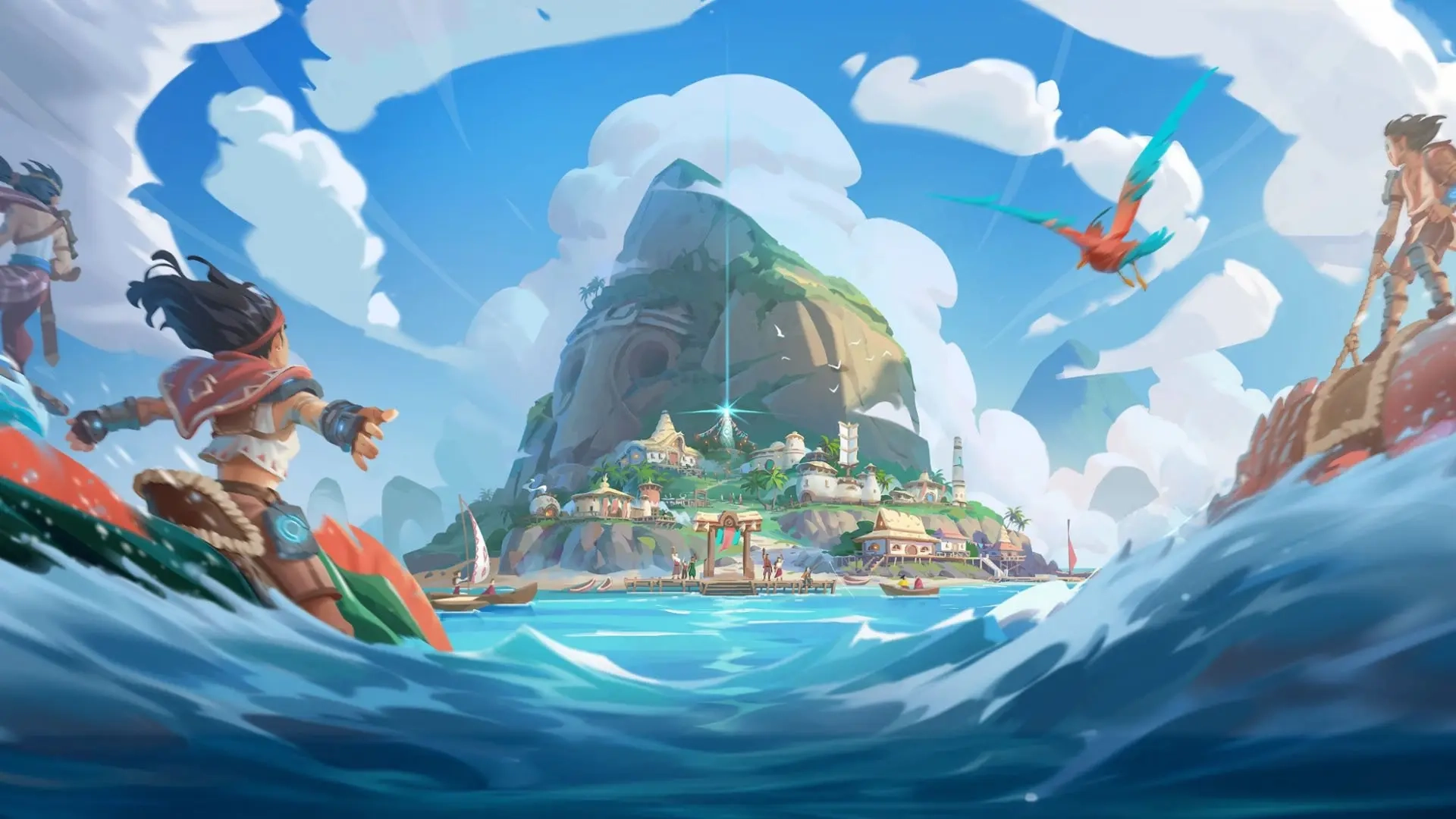
Before diving headfirst into the oceanic open world offered by Voyagers of Nera, you must learn the game's controls. Luckily, you can play the game with a mouse & keyboard or your favorite controller! We'll tell you everything you need to know down below.
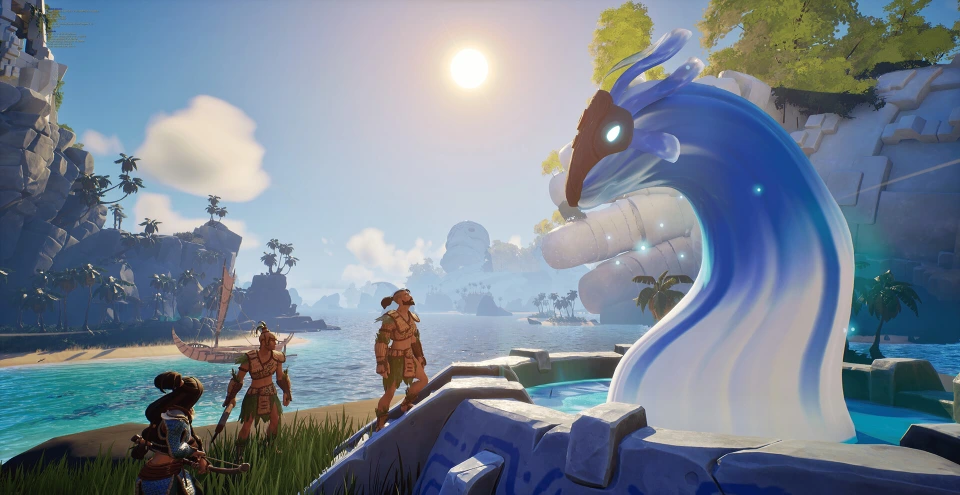 Most controls in Voyagers of Nera should feel familiar to anyone who has played an action RPG or survival crafting game in recent years. You have an attack button, a dodge button, the ability to sprint, swim, jump, and create some buildings. Nothing too tricky!
If your controls aren't exactly how you want, you can rebind them in the game's settings. You can do this for your mouse & keyboard or for your controller. Additionally, Voyagers of Nera is currently in early access. As a result, additional controls may become available or mixed around in the future. This also means that not all controls are mapped to the controller at this point in time. However, you can still play each crucial part of the game with a controller. You just won't have access to some functions, such as the game's Emote Wheel.
Most controls in Voyagers of Nera should feel familiar to anyone who has played an action RPG or survival crafting game in recent years. You have an attack button, a dodge button, the ability to sprint, swim, jump, and create some buildings. Nothing too tricky!
If your controls aren't exactly how you want, you can rebind them in the game's settings. You can do this for your mouse & keyboard or for your controller. Additionally, Voyagers of Nera is currently in early access. As a result, additional controls may become available or mixed around in the future. This also means that not all controls are mapped to the controller at this point in time. However, you can still play each crucial part of the game with a controller. You just won't have access to some functions, such as the game's Emote Wheel.
Voyagers of Nera Controls - PC (Mouse & Keyboard)
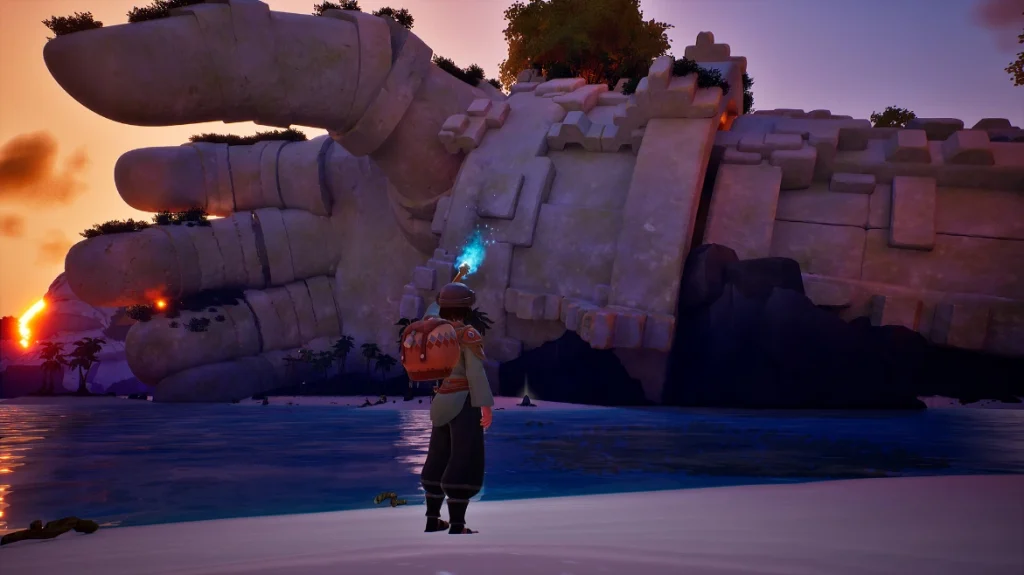
Most controls in Voyagers of Nera should feel familiar to anyone who has played an action RPG or survival crafting game in recent years. You have an attack button, a dodge button, the ability to sprint, swim, jump, and create some buildings. Nothing too tricky!
If your controls aren't exactly how you want, you can rebind them in the game's settings. You can do this for your mouse & keyboard or for your controller. Additionally, Voyagers of Nera is currently in early access. As a result, additional controls may become available or mixed around in the future. This also means that not all controls are mapped to the controller at this point in time. However, you can still play each crucial part of the game with a controller. You just won't have access to some functions, such as the game's Emote Wheel.
Character Movement
- Move Forward: W
- Move Backward: D
- Move Left: A
- Move Right: S
- Jump: Spacebar
- Sprint: Left Shift
- Glide: Right Mouse Button
- Dodge: Left Ctrl
- Dive - Ascend: Spacebar
- Dive - Descend: C
- Skimmer: Z
Combat & Interaction
- Primary Attack: Left Mouse Button
- Secondary Action: Right Mouse Button
- Interact: E
- Secondary Interact: V
- Tertiary Interact: F
- Quick Swap Ammo: G
- Spirit Ability 1: Q
- Spirit Ability 2: R
- Elder Spirit Ability: F
User Interface
- Emote Wheel: U
- Toggle Build Mode: B
- Map: M
- Menu: Tab
- Settings: Escape
- Journal: J
- Inventory: I
- Knowledge Tree: K
- Take Screenshot: P
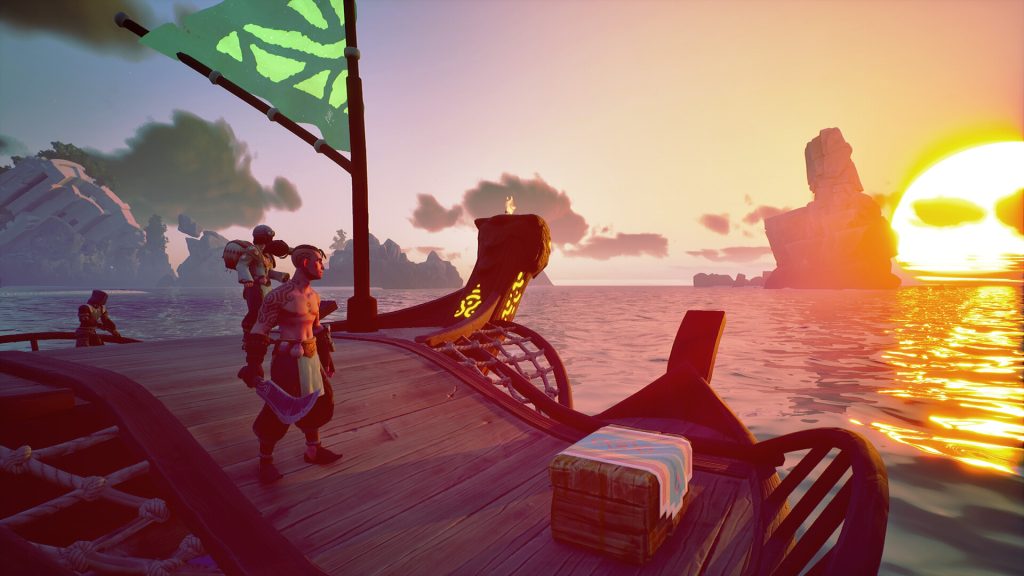
Boat Controls
- Move Forward: A (When at the Sail of your boat)
- Move Backward: S (When at the Sail of your boat)
- Move Left: A (When at the Rudder of your boat)
- Move Right: D (When at the Rudder of your boat)
Voyagers of Nera Controls - PC (Controller - Xbox)
Character Movement
- Move Forward: Left Stick Up
- Move Backward: Left Stick Down
- Move Left: Left Stick Left
- Move Right: Left Stick Right
- Jump: A
- Sprint: Click Left Stick
- Glide: LT
- Dodge: B
- Dive - Ascend: A
- Dive - Descend: Click Right Stick
- Skimmer: Y
Combat & Interaction
- Primary Attack: RT
- Secondary Action: LT
- Interact: X
- Spirit Ability 1: D-Pad Left
- Spirit Ability 2: D-Pad Right
- Elder Spirit Ability: D-Pad Down
User Interface
- Settings: Start
- Inventory: Menu
- Toggle Build Mode: D-Pad Up
- Cycle Through Hotbar: LB & RB
- Open Quick Equip Wheel: Hold RB
Boat Controls
- Move Forward: Left Stick Up (When at the Sail of your boat)
- Move Backward: Left Stick Down (When at the Sail of your boat)
- Move Left: Left Stick Left (When at the Rudder of your boat)
- Move Right: Left Stick Right (When at the Rudder of your boat)
Voyagers of Nera Controls - PC (Controller - PlayStation)
Character Movement
- Move Forward: Left Stick Up
- Move Backward: Left Stick Down
- Move Left: Left Stick Left
- Move Right: Left Stick Right
- Jump: X (Cross)
- Sprint: L3
- Glide: L2
- Dodge: Circle
- Dive - Ascend: X (Cross)
- Dive - Descend: R3
- Skimmer: Triangle
Combat & Interaction
- Primary Attack: R2
- Secondary Action: L2
- Interact: Square
- Spirit Ability 1: D-Pad Left
- Spirit Ability 2: D-Pad Right
- Elder Spirit Ability: D-Pad Down
User Interface
- Settings: Options
- Inventory: Touchpad
- Toggle Build Mode: D-Pad Up
- Cycle Through Hotbar: L1 & R1
- Open Quick Equip Wheel: Hold R1
Boat Controls
- Move Forward: Left Stick Up (When at the Sail of your boat)
- Move Backward: Left Stick Down (When at the Sail of your boat)
- Move Left: Left Stick Left (When at the Rudder of your boat)
- Move Right: Left Stick Right (When at the Rudder of your boat)
Créez votre propre
serveur Voyagers of Nera
serveur Voyagers of Nera
Choisissez un plan, sélectionnez un jeu et jouez avec vos amis !
Abonnez-vous à notre newsletter
Abonnez-vous pour recevoir les dernières mises à jour sur l'univers du jeu vidéo !

Rejoignez notre Discord
Rejoignez notre communauté de plus de 20 000 membres passionnés !
Comment évalueriez-vous ce blog ?
Partagez votre avis et aidez-nous à améliorer nos blogs !
Pas aimé
Neutre
Aimé

Besoin d'un serveur de jeu ?
Louez un serveur de jeu où vous et vos amis pouvez jouer en privé avec une faible latence et des paramètres personnalisés. Choisissez parmi 110+ jeux, invitez des joueurs du monde entier et profitez de parties privées, ou créez votre propre communauté en ligne avec vos propres règles.

Blogs pertinents







OBTENEZ LES DERNIÈRES INFOS !
Inscrivez-vous à nos e-mails pour obtenir des mises à jour sur nos jeux hébergés, des nouvelles de l'entreprise et des offres exclusives. Restez au courant !













