

Hytale Error Applying Update (How to Fix)
Publié le par

Partager :

Partager sur X

Partager sur Facebook

Partager sur Threads

Partager sur Bluesky

Copier dans le presse-papiers

Partager par e-mail
Hytale has already released some updates since its early access launch to fix bugs and minor issues. But many players have met with an unfortunate error when updating the game this frequently, which states "Error applying update to "game": error applying patch...".
Here we'll cover how to fix the "Hytale error applying update" message and get back into Orbis to enjoy the game (and your Hytale server) once more!
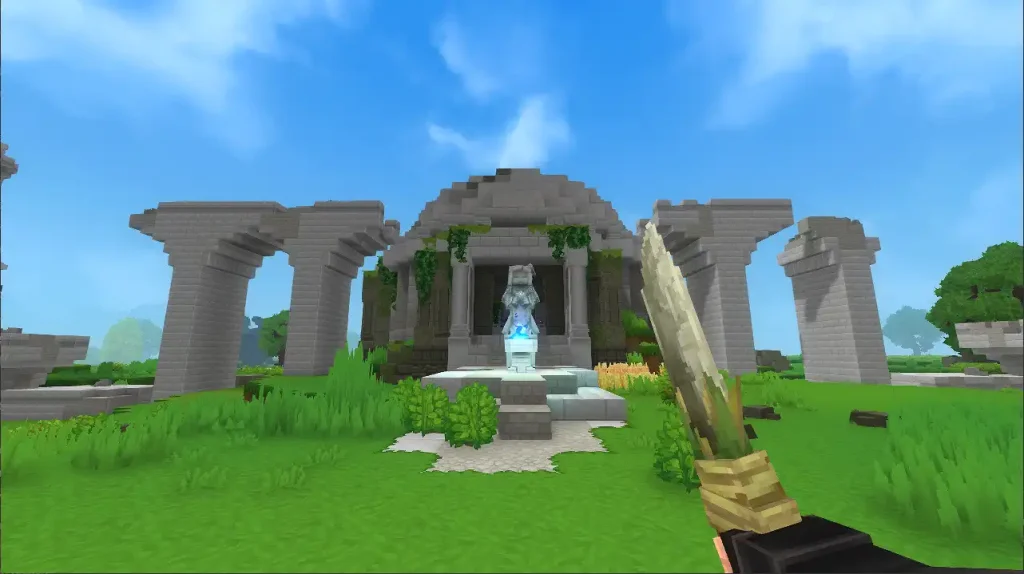 While Hytale updates can error for several different reasons, the most prevalent issue you'll see is the "Error Applying Update" message. Thankfully, this error is a very quick fix, and you certainly don't need to be a wizard to pull it off!
To fix this error, simply clear storage space for the update. This message is received when players don't have enough file space for the Hytale update, and with some updates being significantly bigger than others already, it may be a surprise to suddenly see the error on your second or third patch of the game.
Once you've cleared enough space for the Hytale update, simply press Update in your client once more, and the patch should complete successfully!
If you have further update errors after successfully clearing this one, you should look into the specific error message you receive to learn more about it. This isn't the first, and with how big the game is and how frequently it has been updating, it certainly won't be the last!
While Hytale updates can error for several different reasons, the most prevalent issue you'll see is the "Error Applying Update" message. Thankfully, this error is a very quick fix, and you certainly don't need to be a wizard to pull it off!
To fix this error, simply clear storage space for the update. This message is received when players don't have enough file space for the Hytale update, and with some updates being significantly bigger than others already, it may be a surprise to suddenly see the error on your second or third patch of the game.
Once you've cleared enough space for the Hytale update, simply press Update in your client once more, and the patch should complete successfully!
If you have further update errors after successfully clearing this one, you should look into the specific error message you receive to learn more about it. This isn't the first, and with how big the game is and how frequently it has been updating, it certainly won't be the last!
Hytale Error Applying Update Fix
While Hytale updates can error for several different reasons, the most prevalent issue you'll see is the "Error Applying Update" message. Thankfully, this error is a very quick fix, and you certainly don't need to be a wizard to pull it off!
To fix this error, simply clear storage space for the update. This message is received when players don't have enough file space for the Hytale update, and with some updates being significantly bigger than others already, it may be a surprise to suddenly see the error on your second or third patch of the game.
Once you've cleared enough space for the Hytale update, simply press Update in your client once more, and the patch should complete successfully!
If you have further update errors after successfully clearing this one, you should look into the specific error message you receive to learn more about it. This isn't the first, and with how big the game is and how frequently it has been updating, it certainly won't be the last!Créez votre propre
serveur Hytale
serveur Hytale
Choisissez un plan, sélectionnez un jeu et jouez avec vos amis !
Abonnez-vous à notre newsletter
Abonnez-vous pour recevoir les dernières mises à jour sur l'univers du jeu vidéo !

Rejoignez notre Discord
Rejoignez notre communauté de plus de 20 000 membres passionnés !
Comment évalueriez-vous ce blog ?
Partagez votre avis et aidez-nous à améliorer nos blogs !
Pas aimé
Neutre
Aimé

Besoin d'un serveur de jeu ?
Louez un serveur de jeu où vous et vos amis pouvez jouer en privé avec une faible latence et des paramètres personnalisés. Choisissez parmi 110+ jeux, invitez des joueurs du monde entier et profitez de parties privées, ou créez votre propre communauté en ligne avec vos propres règles.

Blogs pertinents







OBTENEZ LES DERNIÈRES INFOS !
Inscrivez-vous à nos e-mails pour obtenir des mises à jour sur nos jeux hébergés, des nouvelles de l'entreprise et des offres exclusives. Restez au courant !













