

How to Turn Off Vibrant Visuals in Minecraft
Publié le par

Partager :

Partager sur X

Partager sur Facebook

Partager sur Threads

Partager sur Bluesky

Copier dans le presse-papiers

Partager par e-mail
Vibrant Visuals is here, which has brought many players cheer, but not everyone shares the sentiment, and that is completely fair. So, today, we answer the question, “How to turn off Vibrant Visuals in Minecraft,” to get things back to how they used to appear.
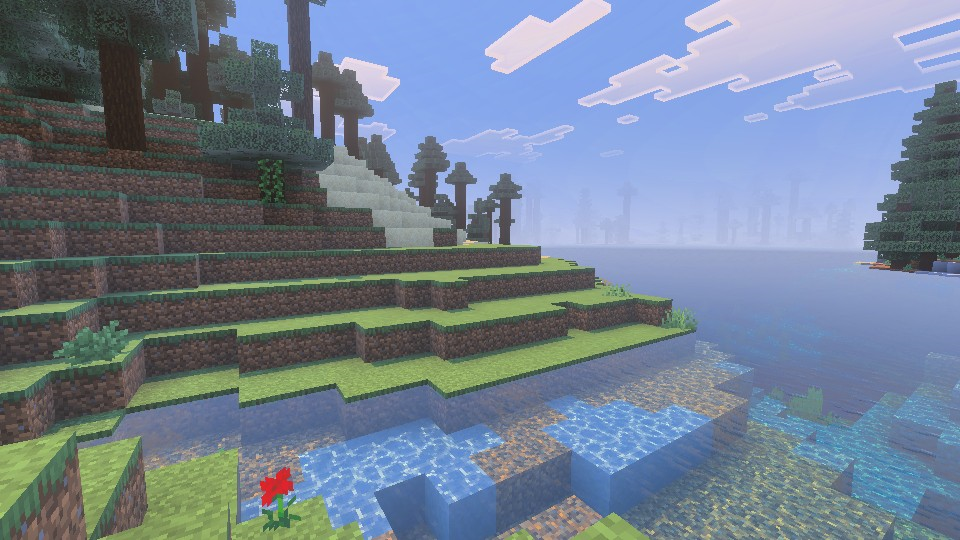 Vibrant Visuals is a new graphics setting found above “Fancy” in Minecraft Minecraft 1.21.6 Chase the Skies. It updates select textures, makes water more realistic, and adds dynamic lighting with accurate shadows that are rendered down to the pixel. For many Bedrock Edition players, it was enabled automatically after updating. However, the setting is entirely optional and can be turned off in the main menu, following the steps in the section below.
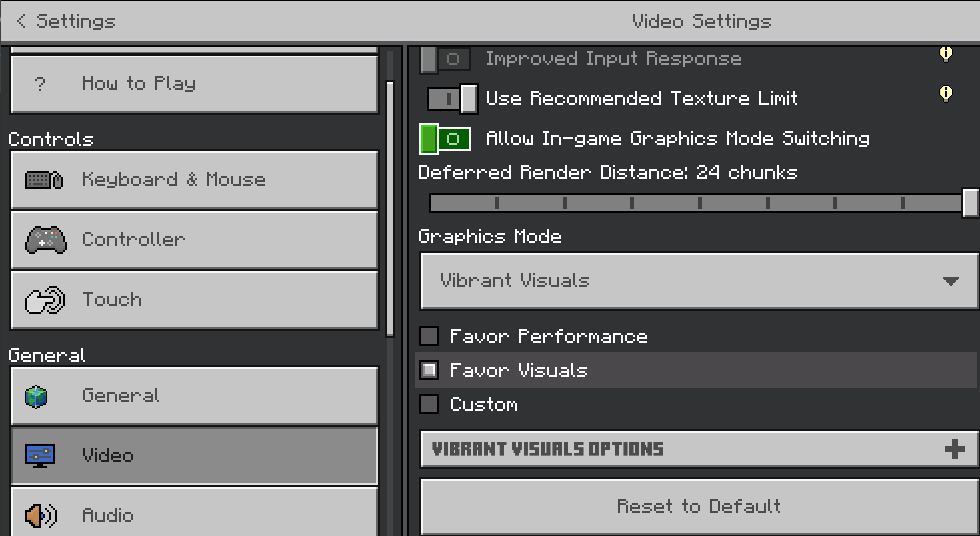
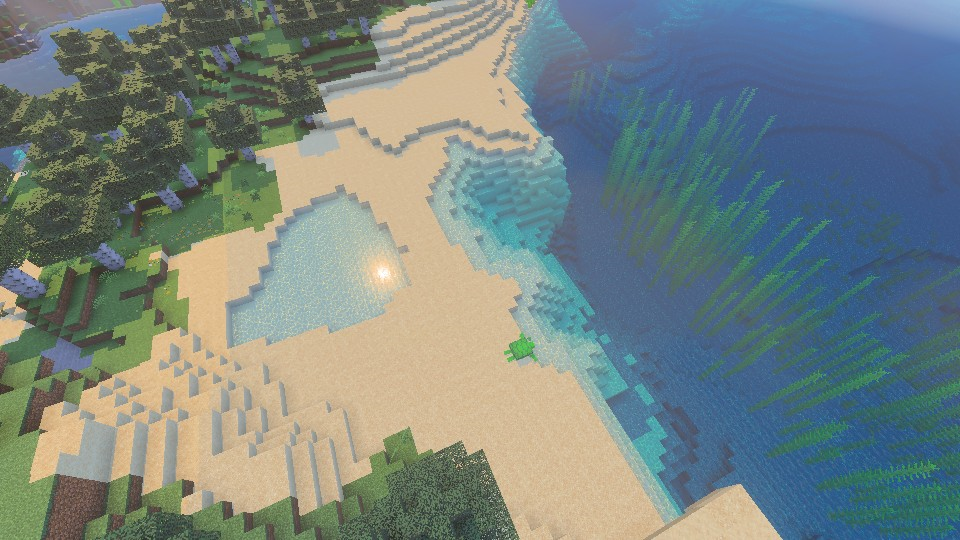 Bedrock Edition players can turn on Vibrant Visuals in the main menu at any time, following the same steps we outlined in the section above. If it was turned off due to performance issues, we recommend trying it once more with the “Favor Performance” sub-option selected instead. Should that still not help, the “V.V. Options” can be adjusted to better suit your system as well.
What Is Vibrant Visuals?
Vibrant Visuals is a new graphics setting found above “Fancy” in Minecraft Minecraft 1.21.6 Chase the Skies. It updates select textures, makes water more realistic, and adds dynamic lighting with accurate shadows that are rendered down to the pixel. For many Bedrock Edition players, it was enabled automatically after updating. However, the setting is entirely optional and can be turned off in the main menu, following the steps in the section below.
How to Turn Off Vibrant Visuals in Minecraft
- Open Minecraft Bedrock Edition
- Click “Settings”
- Click “Video”
- Scroll Down to “Graphics Mode”
- Select “Simple” or “Fancy” From the Dropdown Menu
- Leave the Settings and Enjoy Minecraft 1.21.6
Can It Be Enabled Later?
Bedrock Edition players can turn on Vibrant Visuals in the main menu at any time, following the same steps we outlined in the section above. If it was turned off due to performance issues, we recommend trying it once more with the “Favor Performance” sub-option selected instead. Should that still not help, the “V.V. Options” can be adjusted to better suit your system as well.Créez votre propre
serveur Minecraft
serveur Minecraft
Choisissez un plan, sélectionnez un jeu et jouez avec vos amis !
Abonnez-vous à notre newsletter
Abonnez-vous pour recevoir les dernières mises à jour sur l'univers du jeu vidéo !

Rejoignez notre Discord
Rejoignez notre communauté de plus de 20 000 membres passionnés !
Comment évalueriez-vous ce blog ?
Partagez votre avis et aidez-nous à améliorer nos blogs !
Pas aimé
Neutre
Aimé

Besoin d'un serveur de jeu ?
Louez un serveur de jeu où vous et vos amis pouvez jouer en privé avec une faible latence et des paramètres personnalisés. Choisissez parmi 110+ jeux, invitez des joueurs du monde entier et profitez de parties privées, ou créez votre propre communauté en ligne avec vos propres règles.

Blogs pertinents







OBTENEZ LES DERNIÈRES INFOS !
Inscrivez-vous à nos e-mails pour obtenir des mises à jour sur nos jeux hébergés, des nouvelles de l'entreprise et des offres exclusives. Restez au courant !













