
Factorio Display Panel Guide: How to Craft, Uses, & More
Publié le par

Partager :

Partager sur X

Partager sur Facebook

Partager sur Threads

Partager sur Bluesky

Copier dans le presse-papiers

Partager par e-mail
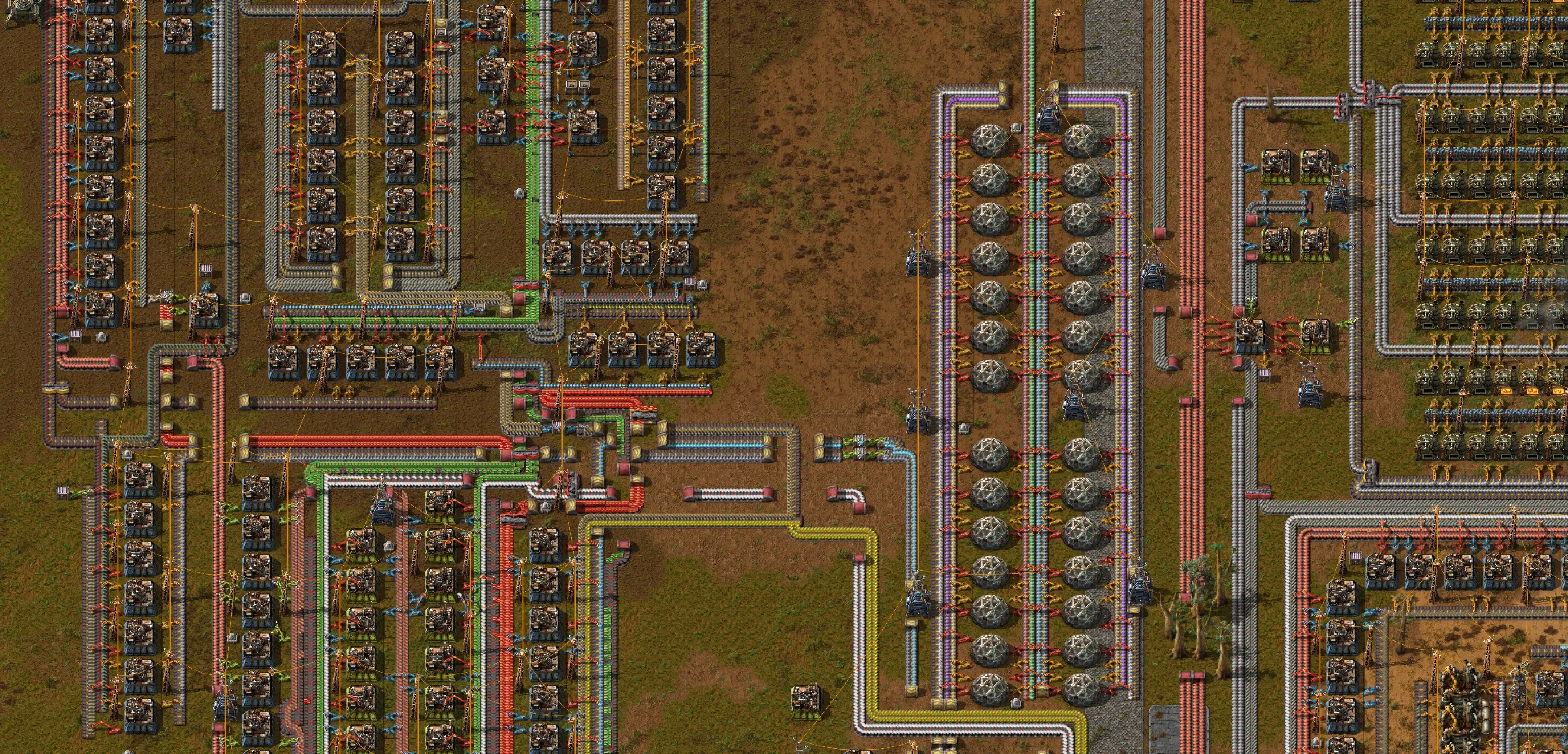
Introduced in Update 2.0.7, the Display Panel in Factorio is a circuit network entity that displays various icons and texts. Doing so allows players to know which products are created and moved in a production line, especially within a mall. So, keep reading as we guide you on how to craft and use this new monitor.
 To craft the Factorio display panel, first unlock the Circuit Network technology, which requires 100x Automation Science Pack and 100x Logistic Science Pack. Doing so unlocks the crafting recipe for the Display Panel, which then requires 1x Electronic Circuit and 1x Iron Plate.
Note: The Logistic Science Pack must be unlocked before it's possible to unlock the Circuit Network technology.
Players can craft Display Panels through manual crafting. Alternatively, use Assembling Machines 1, 2, or 3 to make this entity.
To craft the Factorio display panel, first unlock the Circuit Network technology, which requires 100x Automation Science Pack and 100x Logistic Science Pack. Doing so unlocks the crafting recipe for the Display Panel, which then requires 1x Electronic Circuit and 1x Iron Plate.
Note: The Logistic Science Pack must be unlocked before it's possible to unlock the Circuit Network technology.
Players can craft Display Panels through manual crafting. Alternatively, use Assembling Machines 1, 2, or 3 to make this entity.
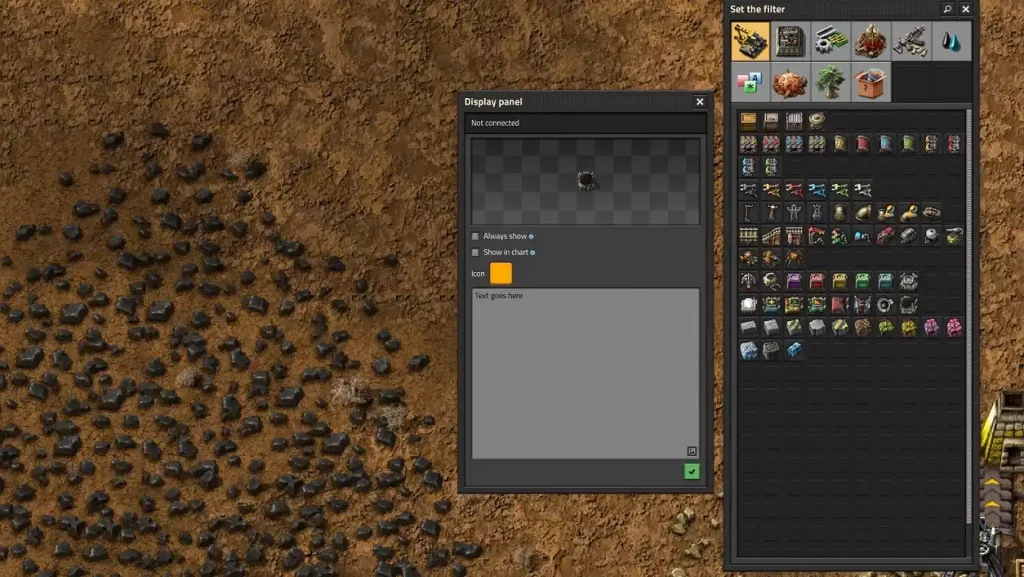 Opening the interface of the Display Panel in Factorio lets you choose which icon and text to show on the monitor. Connecting the Display Panel to an existing Circuit Network also allows the panel to show different images and messages depending on various conditions.
From afar, the Display Panel only shows the icon(s). Hovering your mouse over the entity shows the different lines of text recorded in it.
However, it’s not possible to show the quantity of items on the Display Panel as they’re passing through the network. Thankfully, one Reddit user created a blueprint that uses other entities to showcase numbers while using Display Panels. Additionally, this particular blueprint doesn’t require mods, albeit its components may require some farming and grinding.
Alternatively, some players can modify the functionality of the Display Panel in Factorio using mods. One notable mod comes from GitHub user henwessels. The mod in question is called “Larger Display Panels,” and it enlarges the in-game monitor to up to 6x6 tiles instead of the standard 1x1.
Opening the interface of the Display Panel in Factorio lets you choose which icon and text to show on the monitor. Connecting the Display Panel to an existing Circuit Network also allows the panel to show different images and messages depending on various conditions.
From afar, the Display Panel only shows the icon(s). Hovering your mouse over the entity shows the different lines of text recorded in it.
However, it’s not possible to show the quantity of items on the Display Panel as they’re passing through the network. Thankfully, one Reddit user created a blueprint that uses other entities to showcase numbers while using Display Panels. Additionally, this particular blueprint doesn’t require mods, albeit its components may require some farming and grinding.
Alternatively, some players can modify the functionality of the Display Panel in Factorio using mods. One notable mod comes from GitHub user henwessels. The mod in question is called “Larger Display Panels,” and it enlarges the in-game monitor to up to 6x6 tiles instead of the standard 1x1.
How to Craft the Display Panel in Factorio
To craft the Factorio display panel, first unlock the Circuit Network technology, which requires 100x Automation Science Pack and 100x Logistic Science Pack. Doing so unlocks the crafting recipe for the Display Panel, which then requires 1x Electronic Circuit and 1x Iron Plate.
Note: The Logistic Science Pack must be unlocked before it's possible to unlock the Circuit Network technology.
Players can craft Display Panels through manual crafting. Alternatively, use Assembling Machines 1, 2, or 3 to make this entity.
Using the Display Panel
Opening the interface of the Display Panel in Factorio lets you choose which icon and text to show on the monitor. Connecting the Display Panel to an existing Circuit Network also allows the panel to show different images and messages depending on various conditions.
From afar, the Display Panel only shows the icon(s). Hovering your mouse over the entity shows the different lines of text recorded in it.
However, it’s not possible to show the quantity of items on the Display Panel as they’re passing through the network. Thankfully, one Reddit user created a blueprint that uses other entities to showcase numbers while using Display Panels. Additionally, this particular blueprint doesn’t require mods, albeit its components may require some farming and grinding.
Alternatively, some players can modify the functionality of the Display Panel in Factorio using mods. One notable mod comes from GitHub user henwessels. The mod in question is called “Larger Display Panels,” and it enlarges the in-game monitor to up to 6x6 tiles instead of the standard 1x1.Créez votre propre
serveur Factorio
serveur Factorio
Choisissez un plan, sélectionnez un jeu et jouez avec vos amis !
Abonnez-vous à notre newsletter
Abonnez-vous pour recevoir les dernières mises à jour sur l'univers du jeu vidéo !

Rejoignez notre Discord
Rejoignez notre communauté de plus de 20 000 membres passionnés !
Comment évalueriez-vous ce blog ?
Partagez votre avis et aidez-nous à améliorer nos blogs !
Pas aimé
Neutre
Aimé

Besoin d'un serveur de jeu ?
Louez un serveur de jeu où vous et vos amis pouvez jouer en privé avec une faible latence et des paramètres personnalisés. Choisissez parmi 110+ jeux, invitez des joueurs du monde entier et profitez de parties privées, ou créez votre propre communauté en ligne avec vos propres règles.

Blogs pertinents







OBTENEZ LES DERNIÈRES INFOS !
Inscrivez-vous à nos e-mails pour obtenir des mises à jour sur nos jeux hébergés, des nouvelles de l'entreprise et des offres exclusives. Restez au courant !













