

American Truck Simulator Console Commands Guide
Publié le par

Partager :

Partager sur X

Partager sur Facebook

Partager sur Threads

Partager sur Bluesky

Copier dans le presse-papiers

Partager par e-mail
American Truck Simulator offers an immersive and realistic trucking experience. Still, some players might want to experiment with certain aspects of the game. If so, consider using console commands in American Truck Simulator, and we’re here to help you learn how to use them.
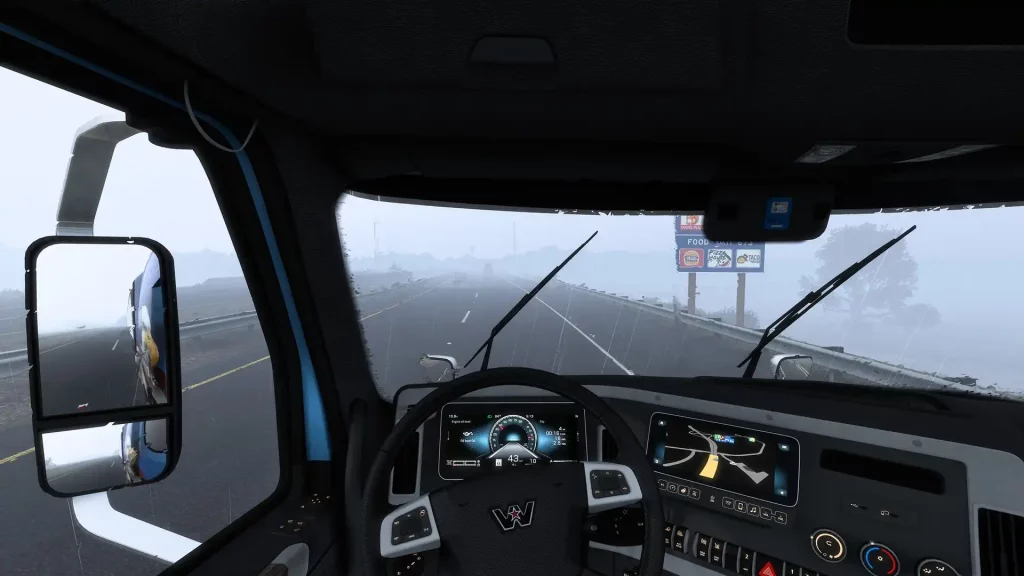 First, ensure that American Truck Simulator isn’t running. Then, search for the game’s home directory. Note that the game’s default locations generally differ depending on your system.
How to Enable Console Commands in American Truck Simulator
First, ensure that American Truck Simulator isn’t running. Then, search for the game’s home directory. Note that the game’s default locations generally differ depending on your system.
- Windows: <User>\Documents\American Truck Simulator\
- Linux: ~/Library/Application Support/American Truck Simulator
- macOS: <User>/.local/share/American Truck Simulator/
All Admin Commands
Remember, create a backup of your save file before enabling the command console and using the available admin commands. Although using console commands in American Truck Simulator can be a fun way to customize your experience, beginners and veterans should still exercise caution when using these features. It’s also important to mention that American Truck Simulator doesn’t have a money cheat or add money command, unlike other simulation games like Farming Simulator 22. However, players can use certain mods to generate money and EXP faster than normal. With that, below are the usable console commands for American Truck Simulator:- Edit: Enable the map editor
- Exec: Execute specific commands
- Exit: Exit the game
- G_console: Enable/disable the gaming console
- G_flyspeed: Enable free camera movement
- G_minicon: Enable/disable various values and technical data (e.g., FPS)
- G_news: Enable/disable the showing of new features
- G_police: Enable/disable the police
- G_set_skybox: Sets the sky to the specified ID or value
- G_set_time: Sets the game to the specified time
- G_set_weather: Change the current weather to the specified weather condition
- G_show_game_elements: Enable/disable various in-game items, such as gas station repair icons
- G_traffic: Enable/disable the traffic
- Game: Reloads the game
- Goto (city name): Teleports to the specified city
- Goto (x;y;z): Teleports to the specific coordinates
- Pause: Pauses the game
- R_fullscreen: Enable/disable full-screen mode
- R_mirror_view_distance: Sets the mirror rendering distance
- R_texture_detail: Sets the game’s current detail quality (set to “0” for the best quality)
- Save: Trigger the quick save
- Screenshot: Takes a screenshot
- Sys_info: Display the operating system’s information
- Vid_mem: Display tech information regarding the graphics card used
- Vid_name: Display the exact name of the graphics card used
- Vid_ver: Display the graphics driver version
- Warp: Sets the game’s speed and timescale
Créez votre propre
serveur American Truck Simulator
serveur American Truck Simulator
Choisissez un plan, sélectionnez un jeu et jouez avec vos amis !
Abonnez-vous à notre newsletter
Abonnez-vous pour recevoir les dernières mises à jour sur l'univers du jeu vidéo !

Rejoignez notre Discord
Rejoignez notre communauté de plus de 20 000 membres passionnés !
Comment évalueriez-vous ce blog ?
Partagez votre avis et aidez-nous à améliorer nos blogs !
Pas aimé
Neutre
Aimé

Besoin d'un serveur de jeu ?
Louez un serveur de jeu où vous et vos amis pouvez jouer en privé avec une faible latence et des paramètres personnalisés. Choisissez parmi 110+ jeux, invitez des joueurs du monde entier et profitez de parties privées, ou créez votre propre communauté en ligne avec vos propres règles.

Blogs pertinents







OBTENEZ LES DERNIÈRES INFOS !
Inscrivez-vous à nos e-mails pour obtenir des mises à jour sur nos jeux hébergés, des nouvelles de l'entreprise et des offres exclusives. Restez au courant !













