
Abiotic Factor Controls Guide: PC, Xbox, & PlayStation
Publié le par

Partager :

Partager sur X

Partager sur Facebook

Partager sur Threads

Partager sur Bluesky

Copier dans le presse-papiers

Partager par e-mail
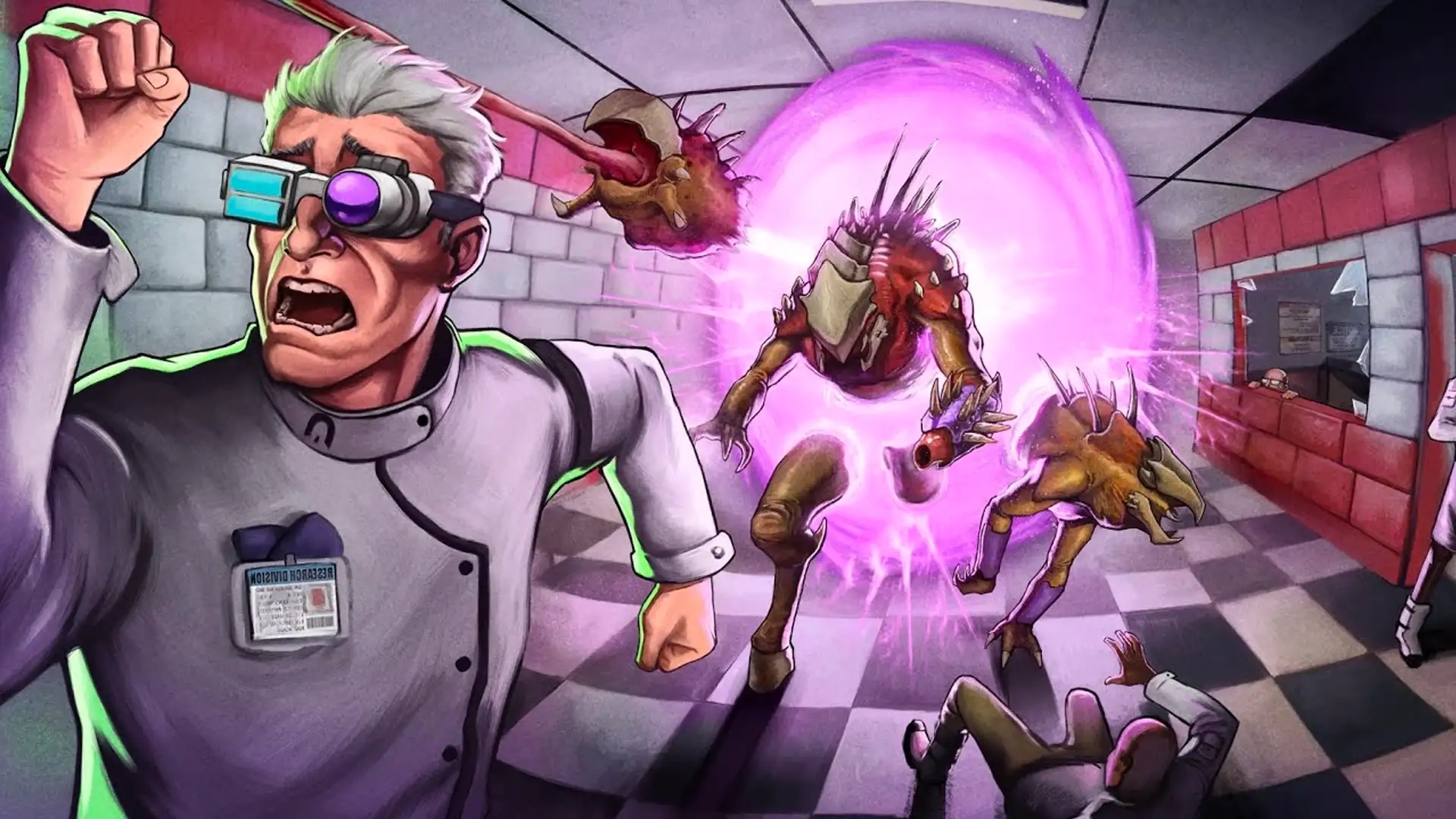
Unfortunately, a paranormal containment failure has resulted in chaos at GATE labs. This is bad news for you and your friends, since you're employees at GATE! To make it out of Abiotic Factor alive, you'll have to use your brains and survival skills. And some guns, of course. However, you must come to grips with the game's controls before you can start surviving, and our Abiotic Factor Controls guide can help you along the way!
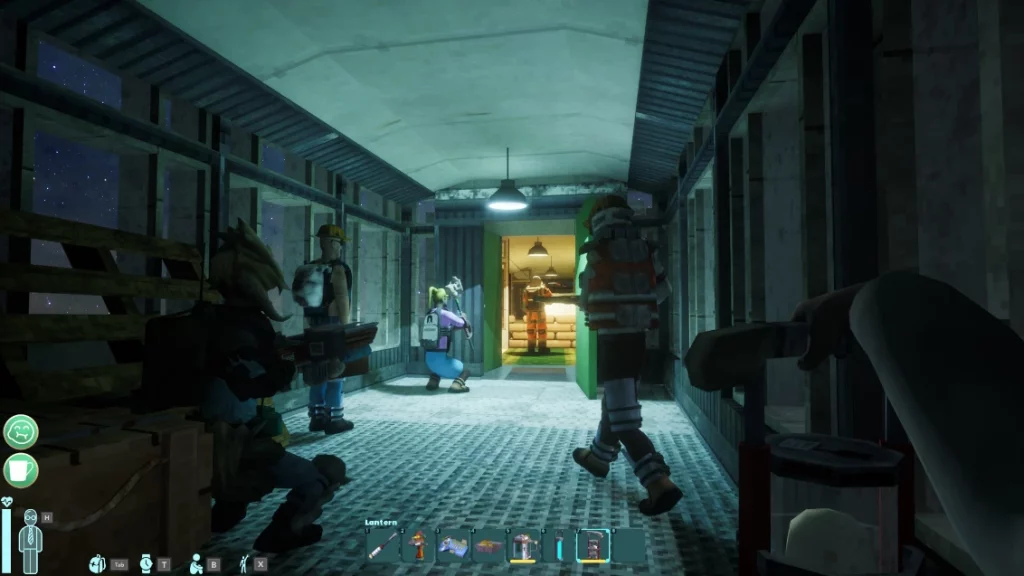 Whether you're playing Abiotic Factor on PC or a console, you'll find that most of the controls simply dictate how you move and interact with the world. On PC, you'll have even more control over your experience thanks to a keyboard with many more buttons. Of course, you can also play Abiotic Factor with a controller on PC.
By default, you'll have the controls listed below all mapped out. However, there are additional controls that you can set up yourself. Additionally, you can change any of the default keybindings however you want. This applies to playing on consoles as well! If you think that the game doesn't feel good to control, take some time to readjust your keybindings and tinker with the settings to find what fits best for you.
Whether you're playing Abiotic Factor on PC or a console, you'll find that most of the controls simply dictate how you move and interact with the world. On PC, you'll have even more control over your experience thanks to a keyboard with many more buttons. Of course, you can also play Abiotic Factor with a controller on PC.
By default, you'll have the controls listed below all mapped out. However, there are additional controls that you can set up yourself. Additionally, you can change any of the default keybindings however you want. This applies to playing on consoles as well! If you think that the game doesn't feel good to control, take some time to readjust your keybindings and tinker with the settings to find what fits best for you.
Abiotic Factor Controls & Keybinds: PC
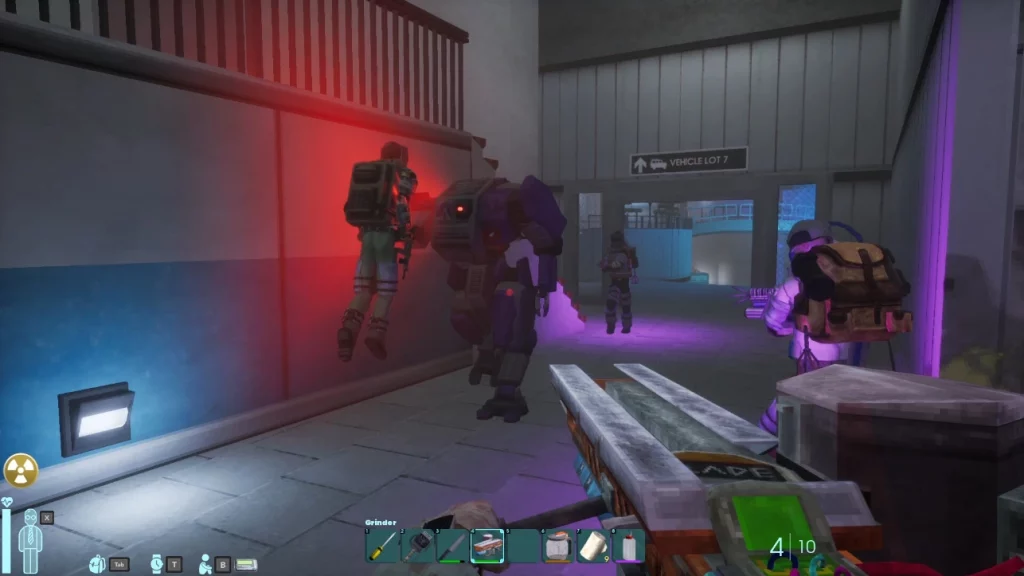
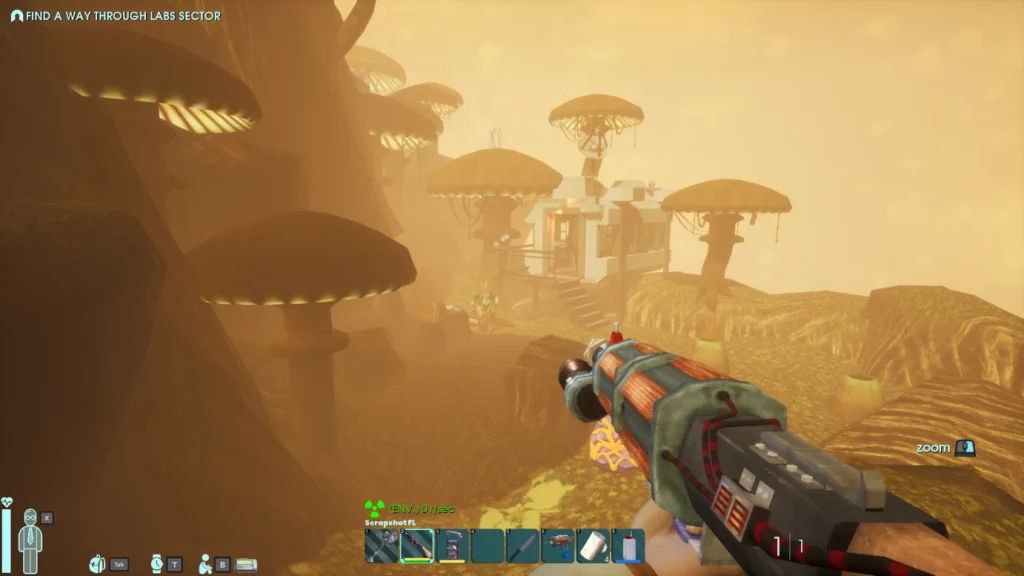
Whether you're playing Abiotic Factor on PC or a console, you'll find that most of the controls simply dictate how you move and interact with the world. On PC, you'll have even more control over your experience thanks to a keyboard with many more buttons. Of course, you can also play Abiotic Factor with a controller on PC.
By default, you'll have the controls listed below all mapped out. However, there are additional controls that you can set up yourself. Additionally, you can change any of the default keybindings however you want. This applies to playing on consoles as well! If you think that the game doesn't feel good to control, take some time to readjust your keybindings and tinker with the settings to find what fits best for you.
Movement
- Move Forward: W
- Move Backward: S
- Move Left: A
- Move Right: D
- Jump: Spacebar
- Sprint: Left Shift
- Crouch: Ctrl
- Swim Up: Spacebar
- Swim Down: Ctrl
Actions
- Fire: Left Mouse Click
- Toggle Flashlight: V
- Drop Item: G
- Alt Fire: Right Mouse Click
- Primary Interact: E
- Rotate Deployable: R
- Reload Weapon: R
- Secondary Interact: F
- Holster Item: H
Hotbar
- Hotbar Radial: Y
- Hotbar Slot 1: 1
- Hotbar Slot 2: 2
- Hotbar Slot 3: 3
- Hotbar Slot 4: 4
- Hotbar Slot 5: 5
- Hotbar Slot 6: 6
- Hotbar Slot 7: 7
- Hotbar Slot 8: 8
- Hotbar Slot 9: 9
- Hotbar Slot 10: 0
- Next Hotbar Item: Scroll Wheel
- Previous Hotbar Item: Scroll Wheel
Misc
- Toggle Hud: F10
- Actiage Pager: +
- Player List: F1
- Sleep Minigame - Jump: W
- Toilet Minigame - Ease: E
Menus
- Open Inventory: Tab
- Toggle Wristwatch: T
- Emotes: B
- Open Journal: J
- Open Health Panel: X
- Open Skills Panel: K
- Open Crafting Panel: C
UI
- Inventory Modifier Key: Shift
- Take All From Container: F
- Store All of Type: Q
- Inventory Modifier Key: Ctrl
Vehicle
- Throttle: W
- Reverse: S
- Steer Left: A
- Steer Right: D
- Handbrake: Spacebar
- Horn: Left Mouse Click
Abiotic Factor Controls: Xbox
Movement
- Move Forward: Left Control Stick Up
- Move Backward: Left Control Stick Down
- Move Left: Left Control Stick Left
- Move Right: Left Control Stick Right
- Jump: A
- Sprint: Click Left Stick
- Crouch: B
Actions
- Fire: RT
- Toggle Flashlight: Click Right Stick
- Drop Item: Down on D-Pad
- Alt Fire: LT
- Primary Interact: X
- Rotate Deployable: LT
- Reload Weapon: RB
- Secondary Interact: Y
Hotbar
- Hotbar Radial: LB
Misc
- Sleep Minigame - Jump: Up on D-Pad
- Toilet Minigame - Ease: X
Menus
- Open Inventory: View
- Toggle Wristwatch: Right on D-Pad
- Emotes: Up on D-Pad
UI
- Inventory Modifier Key: LT
- Take All From Container: Y
- Store All of Type: RT
Vehicle
- Throttle: Left Control Stick Up
- Reverse: Left Control Stick Down
- Steer Left: Left Control Stick Left
- Steer Right: Left Control Stick Right
- Handbrake: A
- Horn: B
Abiotic Factor Controls: PlayStation
Movement
- Move Forward: Left Control Stick Up
- Move Backward: Left Control Stick Down
- Move Left: Left Control Stick Left
- Move Right: Left Control Stick Right
- Jump: Cross
- Sprint: L3
- Crouch: Circle
Actions
- Fire: R2
- Toggle Flashlight: R3
- Drop Item: Down on D-Pad
- Alt Fire: L2
- Primary Interact: Square
- Rotate Deployable: L2
- Reload Weapon: R1
- Secondary Interact: Triangle
Hotbar
- Hotbar Radial: L1
Misc
- Sleep Minigame - Jump: Up on D-Pad
- Toilet Minigame - Ease: Square
Menus
- Open Inventory: Touchpad
- Toggle Wristwatch: Right on D-Pad
- Emotes: Up on D-Pad
UI
- Inventory Modifier Key: L2
- Take All From Container: Triangle
- Store All of Type: R2
Vehicle
- Throttle: Left Control Stick Up
- Reverse: Left Control Stick Down
- Steer Left: Left Control Stick Left
- Steer Right: Left Control Stick Right
- Handbrake: Cross
- Horn: Circle
Créez votre propre
serveur Abiotic Factor
serveur Abiotic Factor
Choisissez un plan, sélectionnez un jeu et jouez avec vos amis !
Abonnez-vous à notre newsletter
Abonnez-vous pour recevoir les dernières mises à jour sur l'univers du jeu vidéo !

Rejoignez notre Discord
Rejoignez notre communauté de plus de 20 000 membres passionnés !
Comment évalueriez-vous ce blog ?
Partagez votre avis et aidez-nous à améliorer nos blogs !
Pas aimé
Neutre
Aimé

Besoin d'un serveur de jeu ?
Louez un serveur de jeu où vous et vos amis pouvez jouer en privé avec une faible latence et des paramètres personnalisés. Choisissez parmi 110+ jeux, invitez des joueurs du monde entier et profitez de parties privées, ou créez votre propre communauté en ligne avec vos propres règles.

Blogs pertinents







OBTENEZ LES DERNIÈRES INFOS !
Inscrivez-vous à nos e-mails pour obtenir des mises à jour sur nos jeux hébergés, des nouvelles de l'entreprise et des offres exclusives. Restez au courant !













